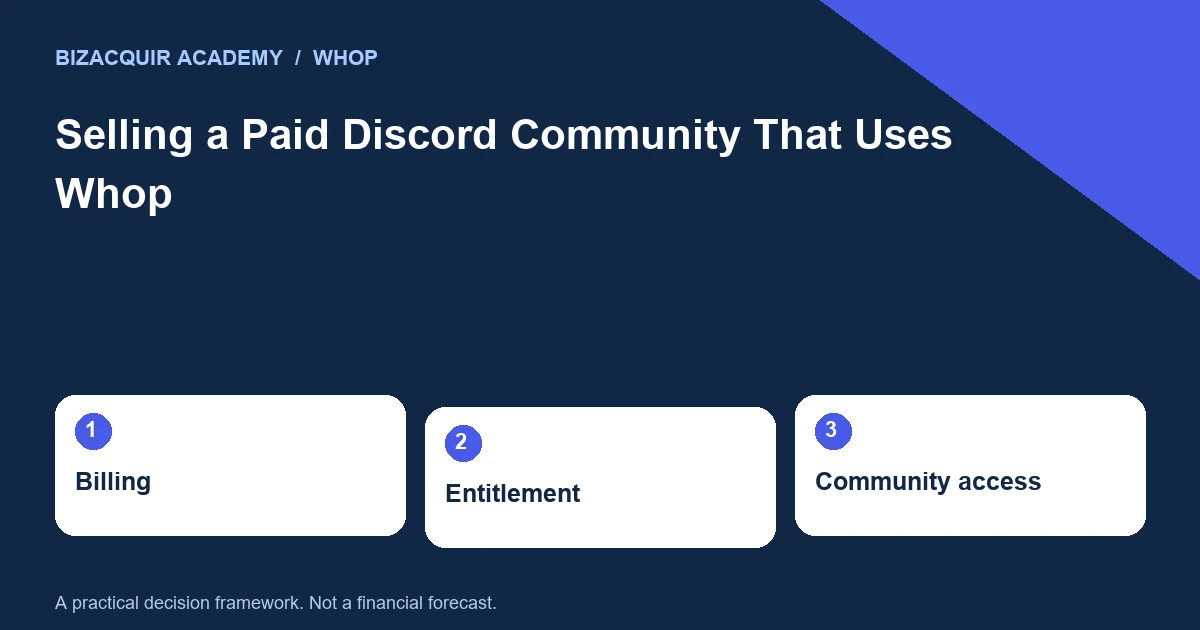
Selling a paid Discord community is a coordination problem as much as a pricing question. The server, paid access, brand, content and staff may sit in different accounts. A buyer must know how those pieces work together before taking control of any one of them.
Draw the access chain
Start with the customer journey: payment, membership entitlement, linked Discord account, server invitation and role assignment. Then list the systems responsible for each step. This is a diagram of the real setup, not an assumption that every community uses the same integration. Whop’s help guide explains linking Discord to access an included server. Discord separately documents server ownership transfer. Neither fact means that transferring a server automatically transfers the associated Whop business, payment obligations or bot accounts.
Distinguish three kinds of membership
| Record | What it tells a buyer | What it does not prove |
|---|---|---|
| Server member | An account belongs to the community | That it pays or remains active |
| Paid entitlement | Access is currently owed under a plan | That another payment is due this month |
| Billing record | A payment or renewal occurred | That all community assets can transfer |
Reconcile the counts privately and show only appropriate aggregates publicly. Investigate mismatches such as complimentary roles, expired access, duplicate accounts and manually assigned staff roles. Do not remove members merely to make a sale spreadsheet balance.
Identify the exact billing model
Whop billing and Discord’s native Server Subscriptions are different systems. If the community also uses native Discord subscriptions, review Discord’s specific ownership-transfer guidance for that situation. Do not apply a generic server-transfer instruction to every billing arrangement. Record remaining annual access, pending cancellations, refund requests and who will support them. Avoid promising that every existing subscription can be moved to a different processor; confirm the supported route with the relevant provider.
Prepare a staged handover checklist
List the current and proposed owner for the server, Whop business, domain, bot application, hosting and content. Define the access each party needs during inspection and the point when final ownership changes occur. Use approved invitations and transfer features rather than publishing passwords. Hypothetical example: the seller transfers server ownership but retains the bot’s developer account. When a token expires, the buyer cannot repair access. A complete checklist would have identified the bot owner, hosting, source code and token-rotation process before calling the handover complete.
Protect community continuity
Prepare a factual member announcement that explains what changes, what stays the same and where support will be available. Do not promise unchanged pricing or permanent access unless those terms are genuinely agreed. Schedule changes around staff availability and keep a rollback plan for access errors. On BizAcquir, explain the community as a full business with its actual historical revenue and current operation. Use the private workspace to record the agreed asset boundaries. A successful handover should demonstrate that the buyer can operate the promised service, not merely that a new name appears as server owner.
Check the relevant provider guidance
These official references support the platform-specific steps. Your own contracts, account configuration and agreed sale terms still need to be checked.
- Discord: transferring server ownership
- Discord: servers with native subscriptions
- Whop: Discord access
Check the transition at the entitlement boundary
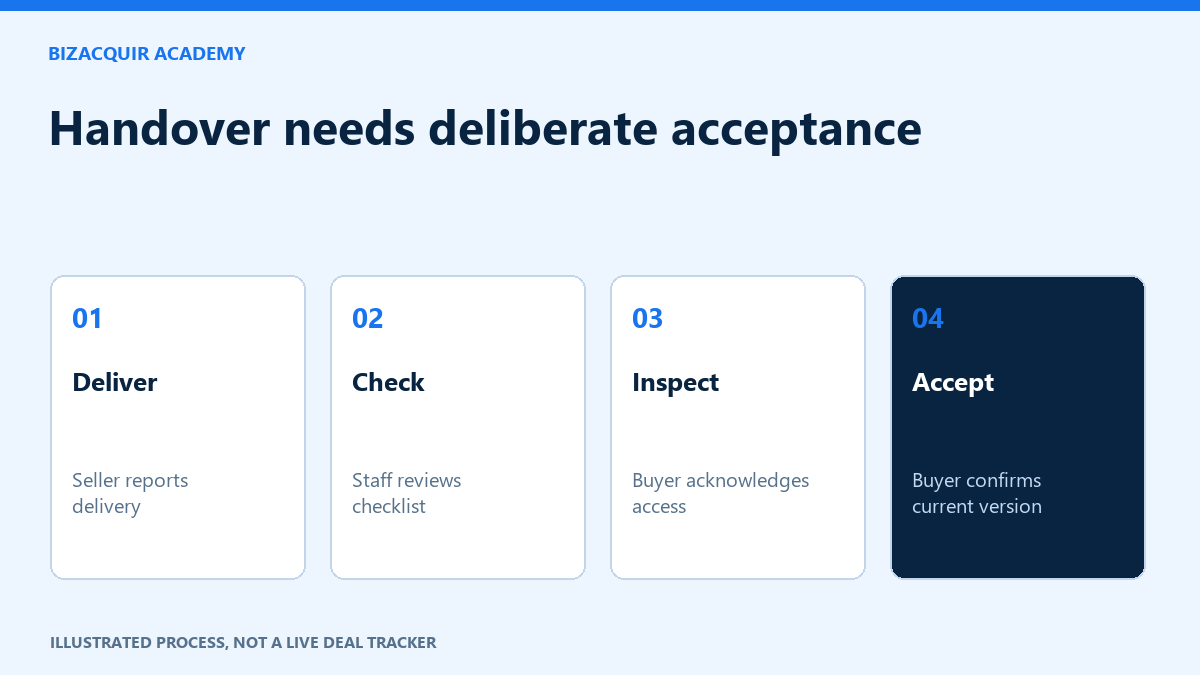
Choose an appropriate test case for each access type: paid monthly, prepaid annual, complimentary staff and expired access. Confirm the documented route for the actual billing system. A server ownership change does not by itself prove that paid roles, renewals and support are working.
Record who can fix an access issue after the founder leaves. Include the bot or app owner and its hosting dependencies in the handover schedule. Do not remove legitimate members or migrate subscriptions merely to simplify a sale demonstration.
Your next practical step
Use the WHOP selling checklist to turn the gaps into a preparation plan. You can start a private listing draft or explore a free valuation; signup or login is required to view valuation results.
Continue with Selling a Cook Group: Memberships, Bots, Staff and Community Assets and How to Plan a Whop Business Handover.