Proof of funds helps establish the purchasing resources a buyer can use. It is separate from deciding what a business is worth, making an offer or paying for a transaction. On BizAcquir, Verified Funds is purchasing funds personally reviewed by the team, displayed as one exact approved amount and currency.
Know what each figure answers
| Figure or status | What it tells you |
|---|---|
| Acquisition budget | What the buyer intends to spend on the requested business |
| Verified Funds | The approved purchasing-capacity total reviewed by BizAcquir |
| Offer price | What the buyer proposes for a particular transaction |
| Payment confirmation | A separate step recording money paid under agreed transaction instructions |
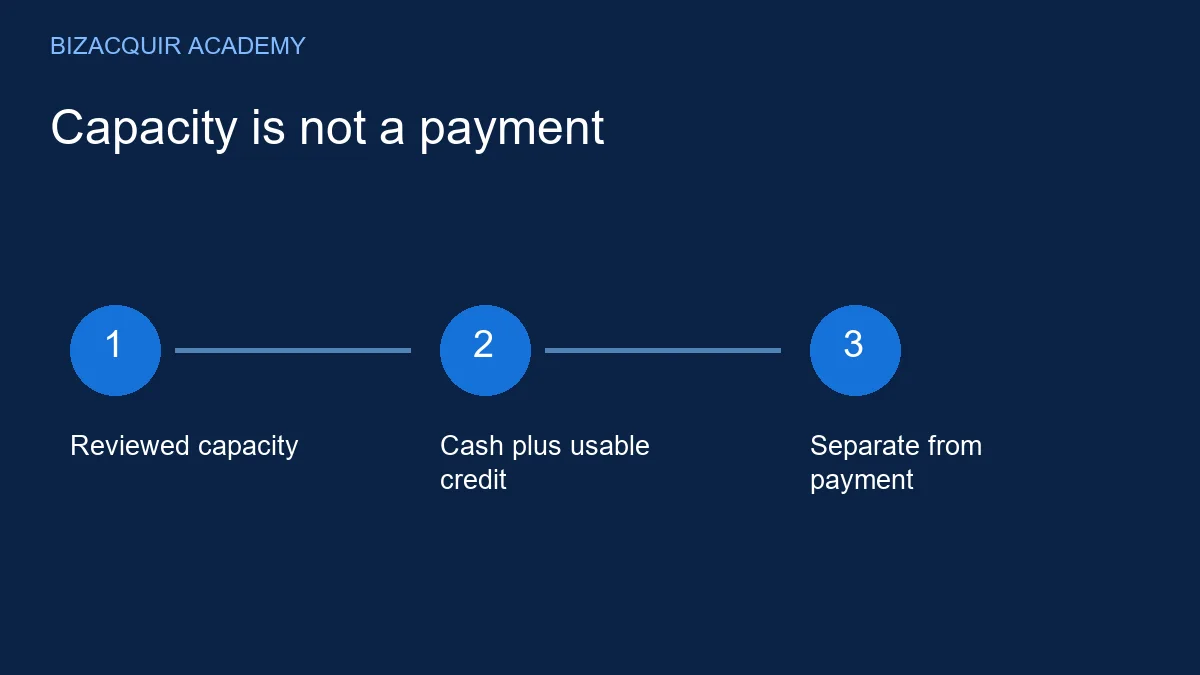
Verified Funds does not mean that the displayed amount is held by BizAcquir. It does not reserve the total for a particular seller or replace the payment steps in the deal workspace.
Understand cash and available credit
The approved amount may combine cash and available credit. Available credit is the usable portion of a facility, not automatically its original headline limit. Existing borrowing, conditions and other commitments can affect what can be used for a purchase.
The Consumer Financial Protection Bureau notes that card issuers can change credit limits. That consumer guidance does not establish whether a particular facility permits a business acquisition. Confirm the terms and actual availability with the relevant provider.
Illustrative example: USD 60,000 cash plus USD 20,000 genuinely available credit could produce USD 80,000 reviewed purchasing capacity. If USD 10,000 of borrowing is already included in the cash balance, do not count that same drawn amount again as unused credit. Business revenue is also not the same as funds available for an acquisition.
Arrange verification on BizAcquir
- Open Get your funds verified from your buying workspace.
- Read and accept the statement that your approved amount and currency will appear publicly.
- Select the email action to contact [email protected] and arrange the review.
- Provide accurate information through the arrangements agreed with the team. Never share bank passwords.
- Once approved, check that the amount and currency displayed on your profile and requests are correct.
The underlying financial information is not part of the public request. There is no requirement to publish bank documents or add financial evidence to a seller conversation. Notify BizAcquir when a material change affects the purchasing capacity you stated.
Prepare before the discussion
Know which resources you intend to use, their currency and any conditions on availability. Keep cash, undrawn credit and money already committed elsewhere distinguishable. If your planned purchase depends on a pending lending decision, explain that dependency instead of describing it as unconditional funds.
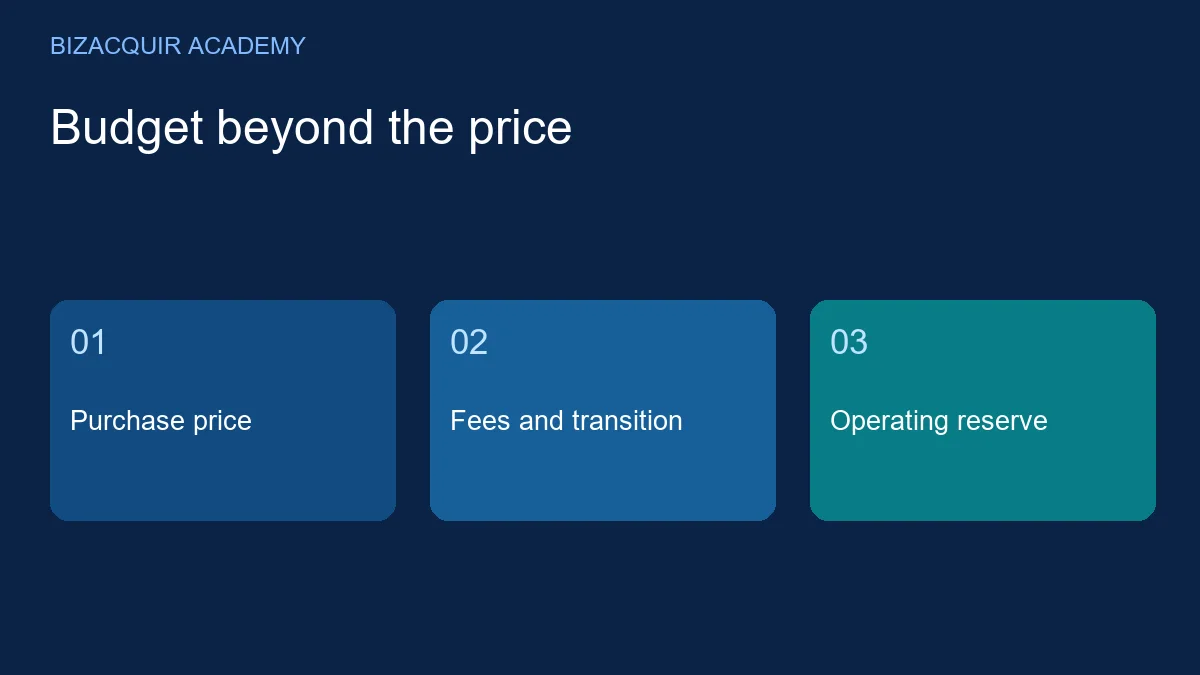
You can save and submit a buying request before verification. Publication requires identity verification, approved funds and request approval. A request's budget can be lower than Verified Funds because the buyer may retain money for operations and other costs.
What sellers should do with the information
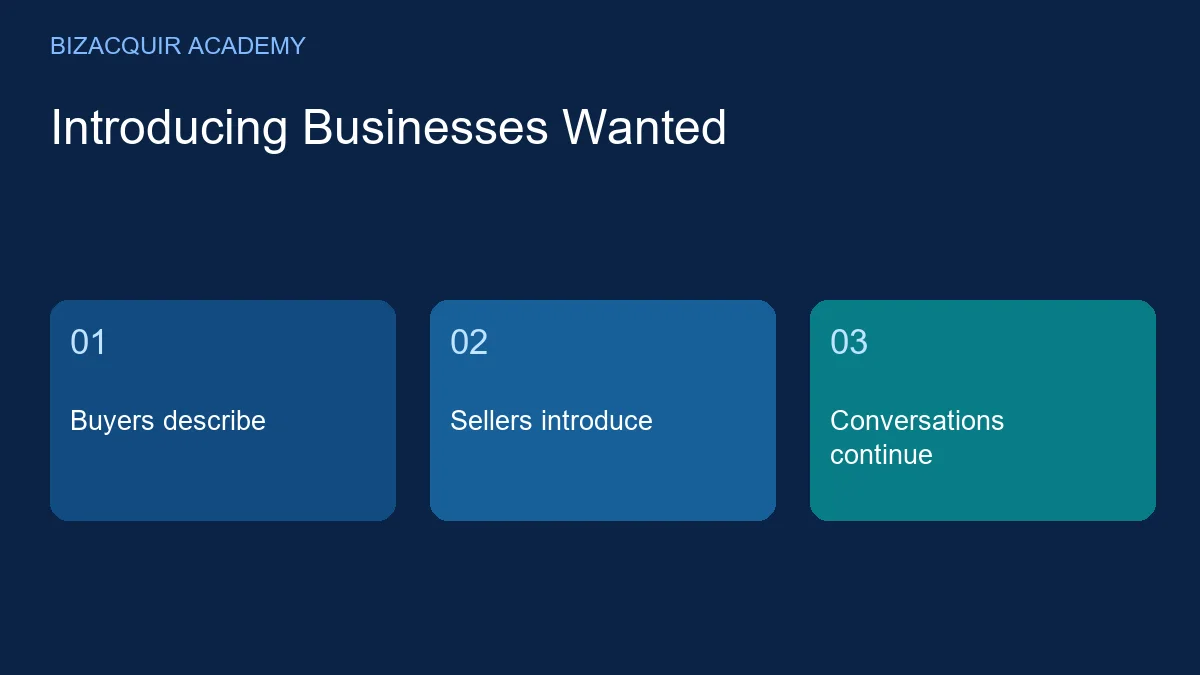
Use the badge as one part of deciding whether to continue a relevant conversation. Still discuss business fit, decision authority, purchase conditions and timing. Do not demand that a buyer spend their entire approved capacity or assume that an introduction is an offer.
For confidential listings, funds approval does not replace the NDA or seller-access requirements. For a transaction, follow the agreed payment and handover steps. These are different parts of the buying process.
Display your Verified Funds—contact the team to arrange verification. For planning, read how to set an acquisition budget.