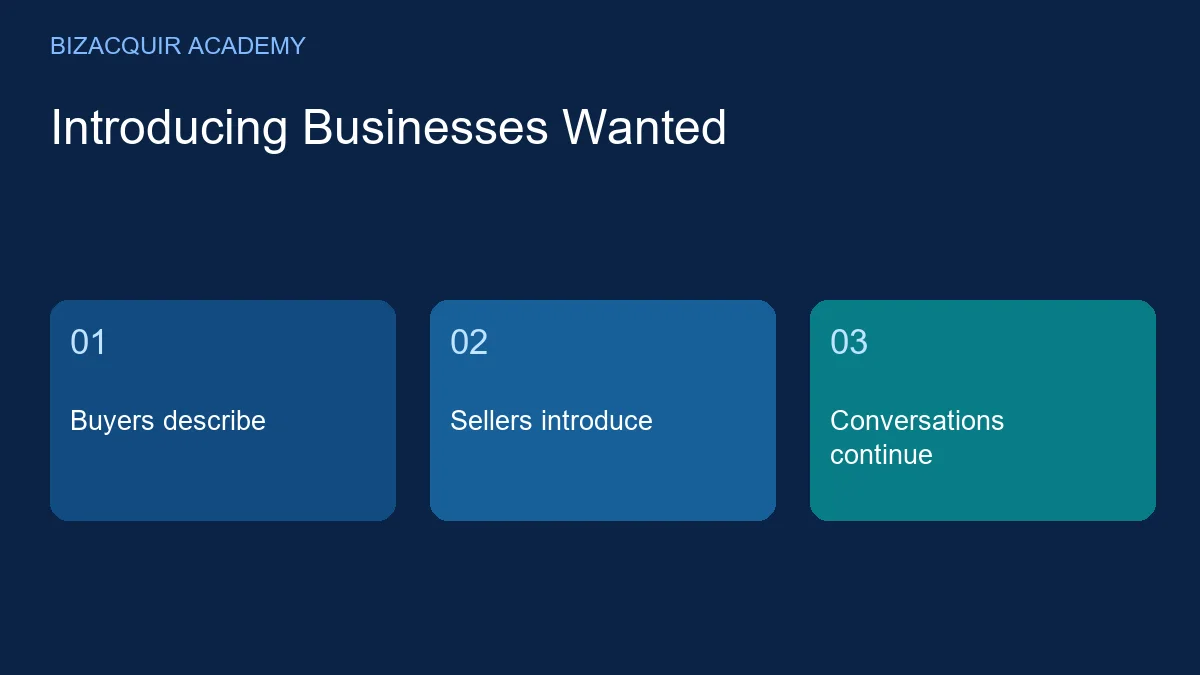
Businesses Wanted gives buyers a place to describe the business they want to acquire—and sellers a way to find relevant buyers before opening a conversation. Browse approved requests, compare the business model and budget, then introduce your business privately.
Explore Businesses Wanted or post a free buying request.
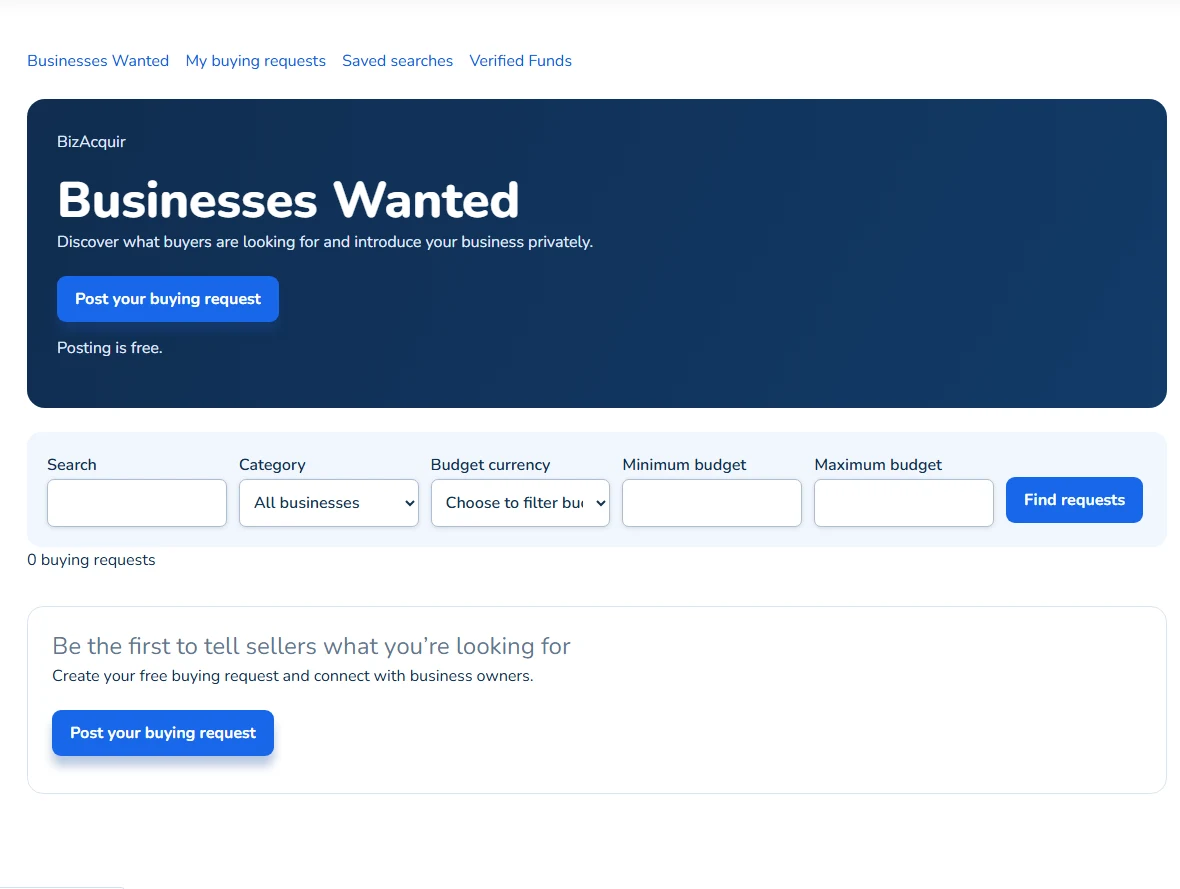
The public Businesses Wanted board captured on 28 October 2026; no approved requests were available at capture. Open the image to view it larger.
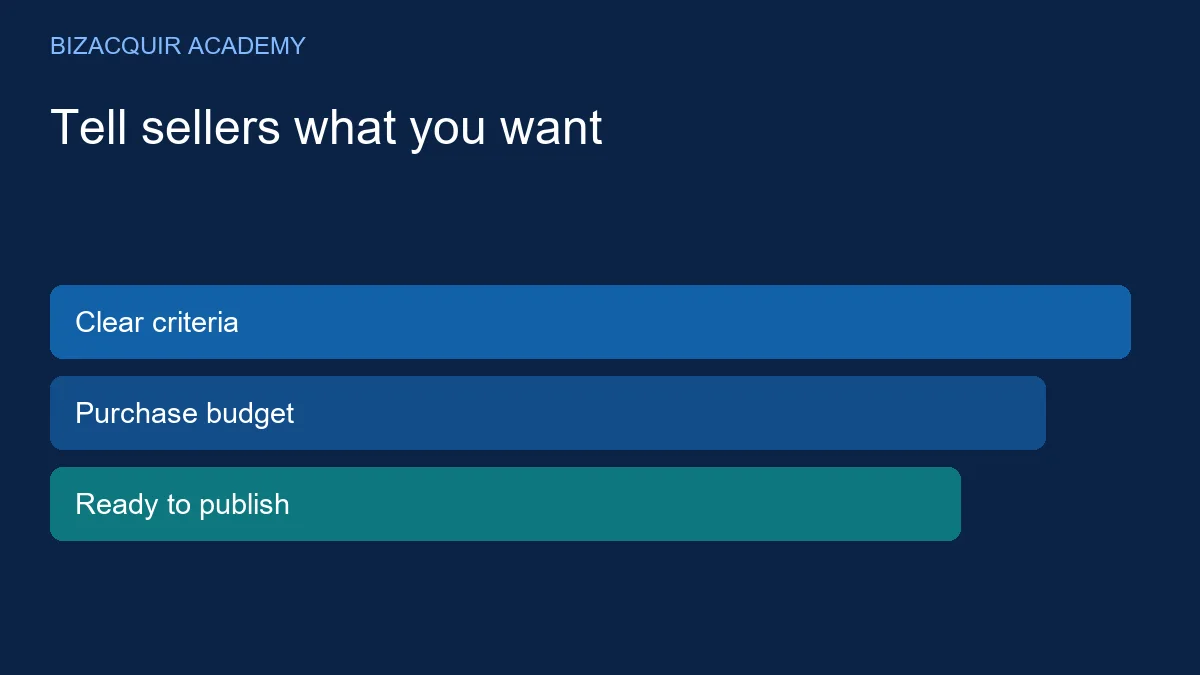
For buyers: tell sellers what you want to buy
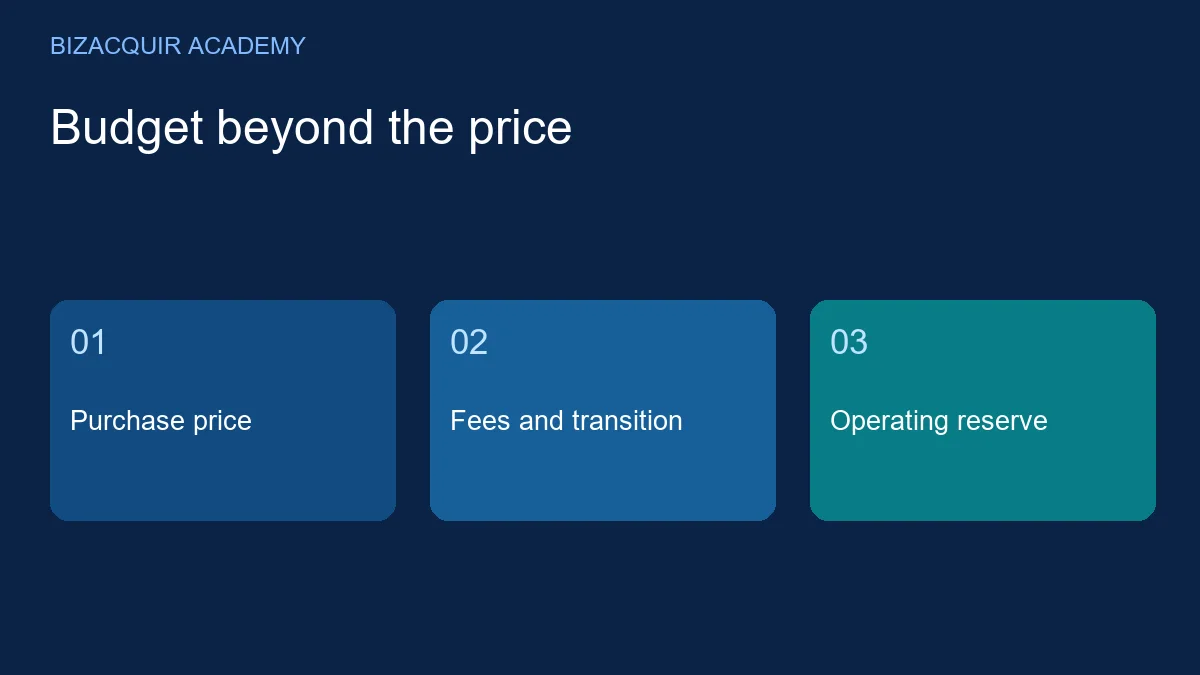
Create a request with a title, business category, acquisition budget and description. Explain the type of operation you can run, the assets or business model that interest you and any important exclusions. Shopify, Whop, SaaS and website categories are available.
You can save a draft or submit the request before completing verification. Before it appears publicly, complete identity verification and arrange Verified Funds, then the request goes through review. Your buying dashboard shows what to do next.
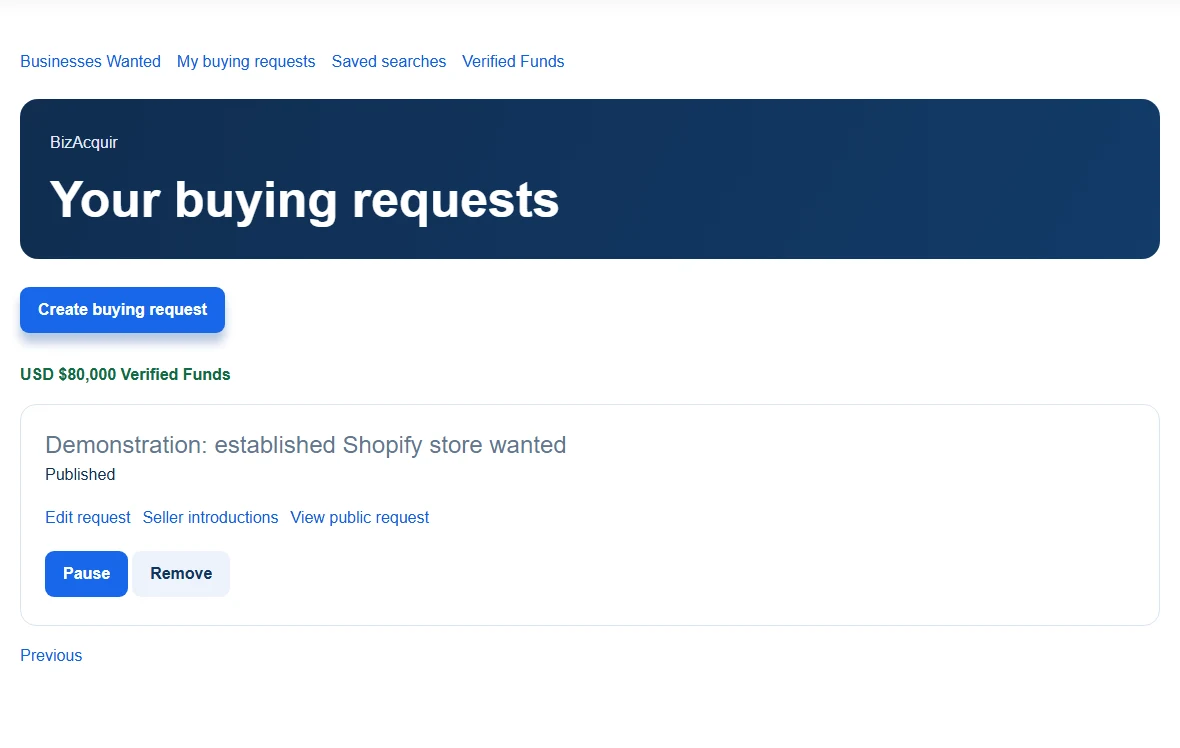
Demonstration buying dashboard: example funds, request and management actions; no real buyer or purchasing funds are shown. Open the image to view it larger.
Posting is free. Requests renew automatically until paused or removed, and you can update your criteria as your search develops. The approved version stays visible while material changes are reviewed. Existing transaction fees still apply if you go on to complete a purchase.
Verified Funds: reviewed purchasing capacity
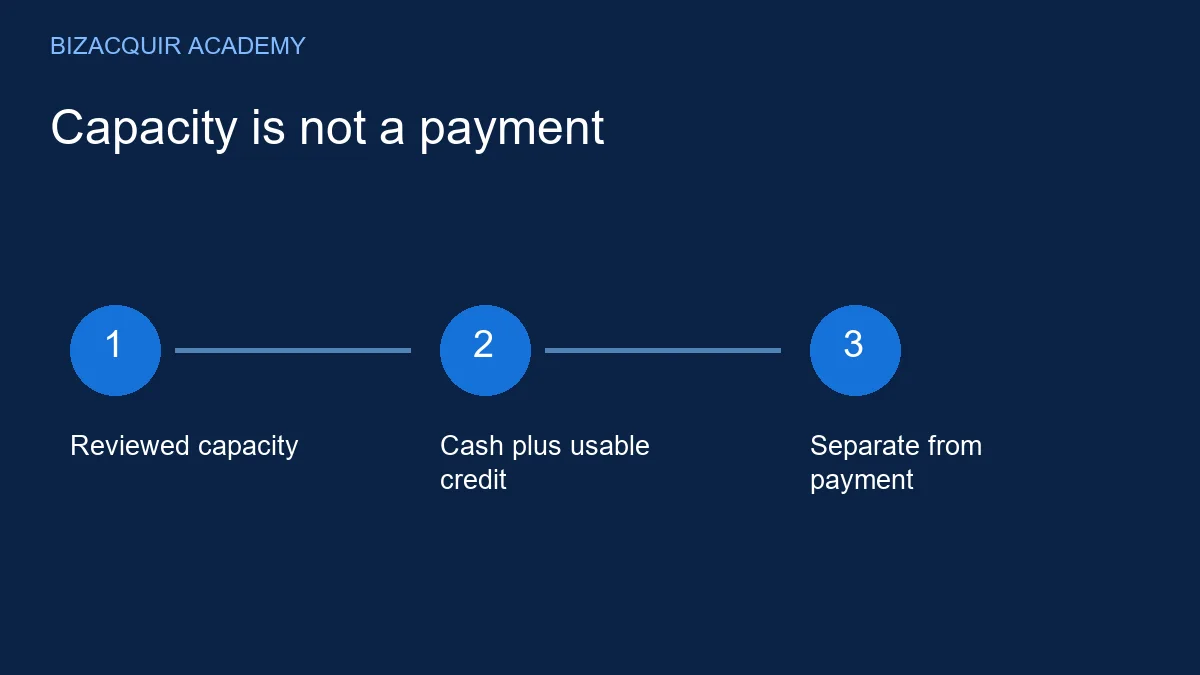
Verified Funds displays the exact approved amount and currency of purchasing funds personally reviewed by BizAcquir's team. The total can include cash and available credit. It is separate from the acquisition budget on a particular request and is not money held by BizAcquir.
Open Get your funds verified, agree to public display of the approved amount and contact [email protected] to arrange verification. Private supporting information is not shown on the board.
For sellers: start with a relevant introduction
Read the request and select I Have a Matching Business. Explain the fit in up to 500 characters. You can attach a listing if useful, but you do not need one to introduce your business. The response is private to the participants and authorised BizAcquir staff.
The buyer can reply in BizAcquir. Use that conversation to clarify the operating model, included assets and next steps before moving into detailed diligence. A request is an expression of acquisition interest, not a promise to purchase every business that responds.
Your business. Your privacy.
If you use a confidential listing, attaching it to an introduction does not reveal its protected details. The NDA and seller-access process still applies. Buyers can also choose Hide my last name in profile settings to show only their first name to other members.
Active, profitable businesses are welcome, as are businesses with genuine past revenue that are currently inactive. Describe the current condition accurately. For a business listing, first submission still requires a genuine successful financial connection and import.
Make the first conversation useful
- Buyers: write a clear acquisition request and plan the purchase budget.
- Sellers: send a focused private introduction.
- Shopify owners: find buyers for the whole business.
- Both parties: understand Verified Funds before discussing an offer.
Find buyers looking for businesses like yours—or tell sellers what you want to buy.