Respond to a business wanted request with a short explanation of why your business fits. On BizAcquir, the introduction is private, has a 500-character limit and does not require an attached listing. The buyer can reply through the existing conversation system.
Check the match before opening the form
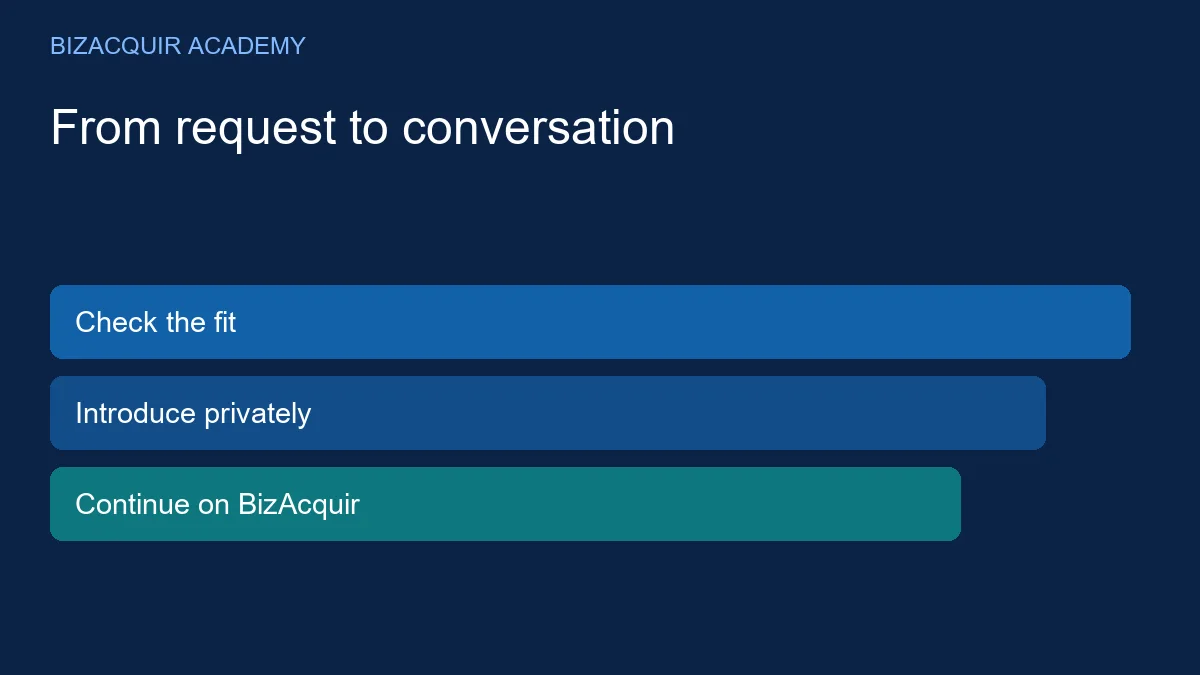
Read the request's category, acquisition budget, currency and description. Compare its requirements with your operating model and current status. A buyer seeking an active profitable store may not want a restart project, even if the historical sales are strong.
Look at Verified Funds separately from the acquisition budget. Reviewed purchasing capacity is not an offer, and it is not a reason to ignore the buyer's stated price range. If a material mismatch exists, explain it briefly or choose another request.
Send the private introduction
- Open the request from Businesses Wanted.
- Select I Have a Matching Business.
- Sign in or create an account if prompted, then return to the introduction.
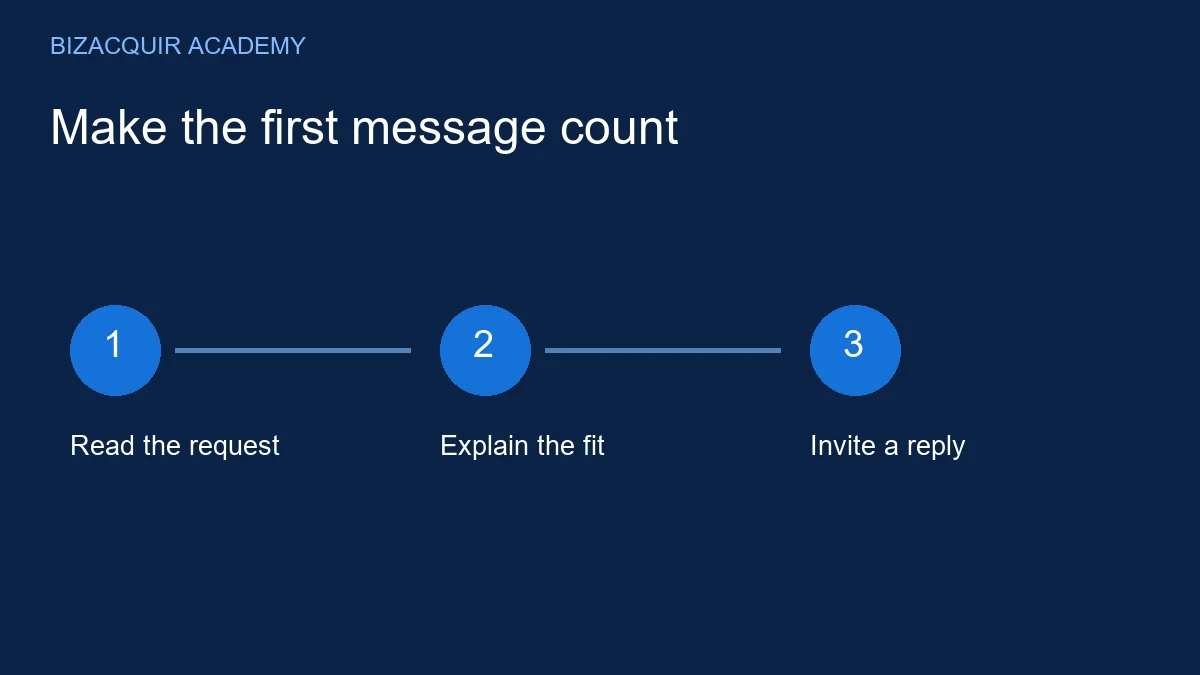
- Write up to 500 characters explaining the business, the fit and a proposed next step.
- Optionally select one of your existing listings. Review the text and send once.
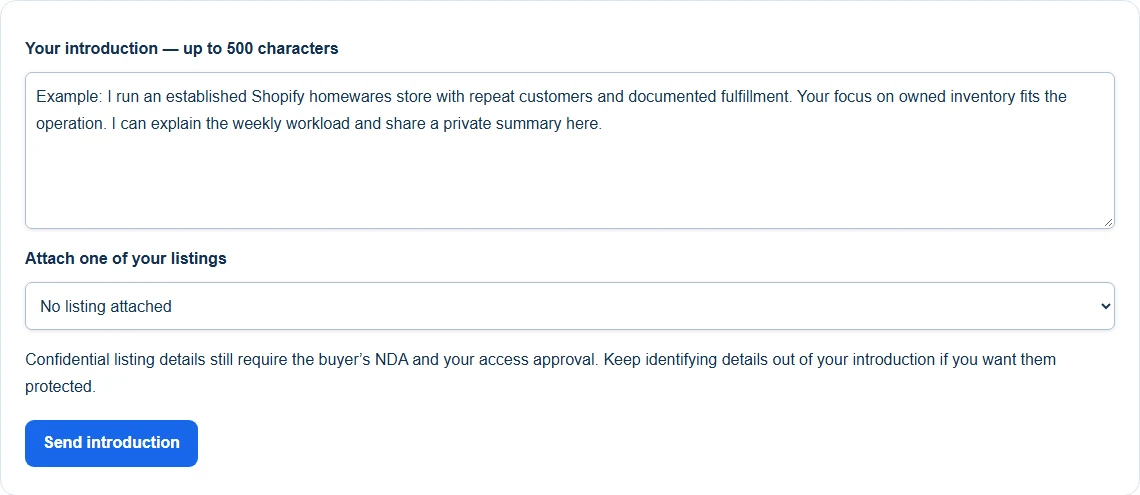
Demonstration: a short seller introduction with no listing attached. Open the image to view it larger.
Introductions are visible to the buyer, responding seller and authorised BizAcquir staff. They are not public comments, and competing sellers cannot read them.
Use the limited space well
Example: I run an established Shopify accessories store with repeat customers and documented fulfillment. Your preference for owned inventory and a manageable workload fits the operation. I can share the included assets and a private summary here. Would you like to review the outline?
This opening gives the buyer something concrete to answer. Replace the category, operating facts and fit with your own. Avoid URLs, private documents, financial account details and unsupported claims such as “guaranteed passive income.”
For a Whop business, identify the service behind the subscription. For SaaS, identify the customer workflow and maintenance needs. For an inactive business, state that it is inactive and explain why it matches a buyer open to restart opportunities.
Attach a listing only when it helps
An existing listing can provide a structured next step, but you can introduce the business before creating one. A full business listing has its own preparation and financial-connection requirements before first submission. An introduction does not bypass them.
If the attached listing is confidential, its NDA and seller approval still control protected details. Do not copy protected information into the introduction to avoid that process. The buyer can first decide whether the anonymous summary is relevant.
Continue with a focused reply
When the buyer responds, answer the question asked and agree what to review next. Useful first questions include weekly workload, included assets, the reporting period and the planned handover. Keep communication in BizAcquir so the discussion and transaction context stay together.
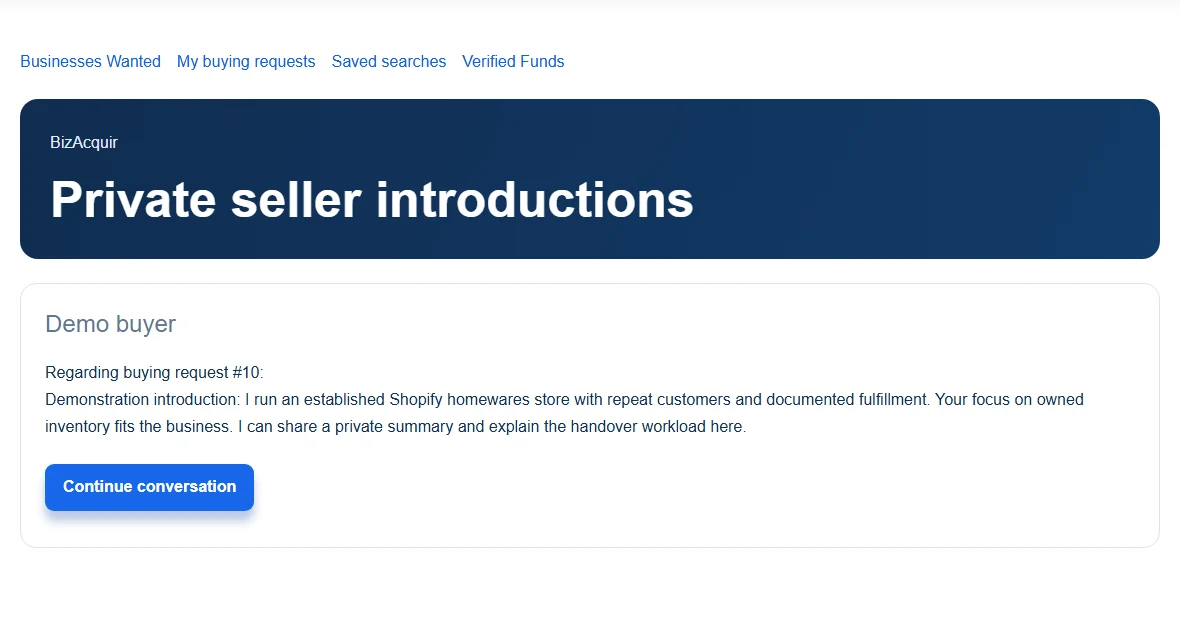
Demonstration introduction and Continue conversation action; all text and participants are fictional. Open the image to view it larger.
Use the buyer-qualification guide if the conversation needs more structure. If a request is later paused or removed, existing participant conversations remain available subject to the platform's normal account and moderation controls.
Recover without sending the same introduction repeatedly
If a request fails to send, keep the text and use the displayed recovery action. Check your existing introduction or conversation before retrying after an uncertain connection. If the request is no longer accepting introductions, return to the board rather than trying to bypass its status.
A reply is not guaranteed. Avoid repeated follow-ups that add no useful information. If you discover a material correction after sending, explain it clearly in the conversation.
Browse Businesses Wanted. Shopify owners can also use the store-specific introduction examples.