You can introduce a Shopify business without publicly naming its brand or domain. The useful balance is to explain enough about the operation for a buyer to assess fit while keeping identifying material behind the agreed confidentiality and access process.
Choose what the public teaser needs to say
Use a general product category, fulfillment model, operating status and broad description of the buyer's role. Avoid a unique product phrase, a recognisable package photograph or a distinctive founder story if it would identify the store. A logo removed from an image does not make the rest of the image anonymous.
| Public teaser | Protected review |
|---|---|
| Established homewares ecommerce business | Brand name, domain and store identity |
| Owned inventory and outsourced fulfillment | Supplier names, contracts and warehouse records |
| General workload and included asset types | Detailed procedures, identifying screenshots and documents |
| Seller-approved price or broad information | Exact connected financial reports and account names |
Do not make the teaser so vague that every buyer must ask what the business does. Confidentiality works better when the public description honestly narrows the fit.
Use the Confidential Listing journey
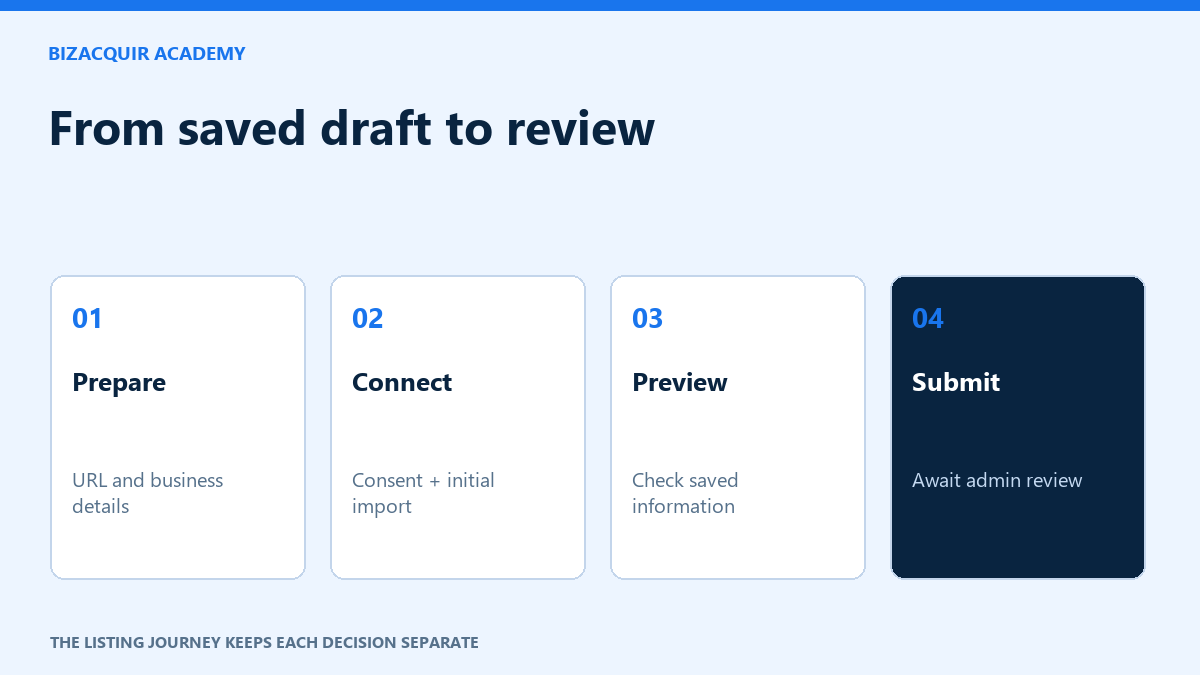
- Choose Confidential Listing when creating or editing your BizAcquir listing.
- Write the anonymous teaser and review the public preview, including images and any text you entered.
- Keep seller approval enabled if you want to decide who receives details. Automatic access after signing is a separate choice.
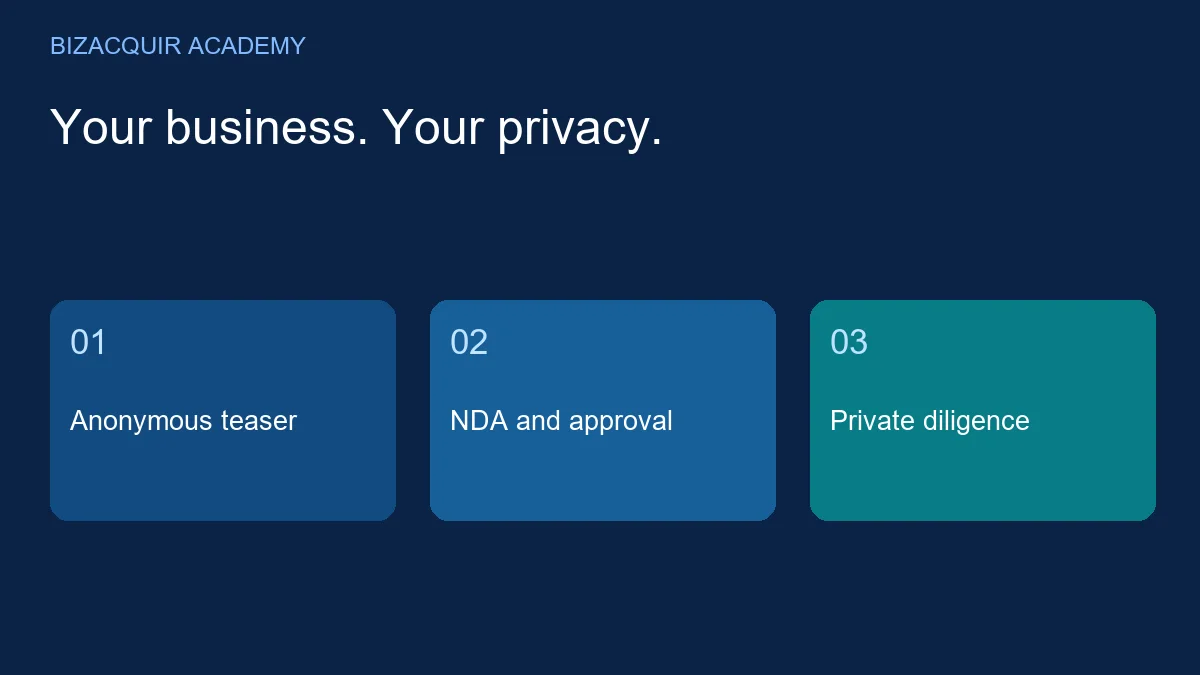
- The buyer signs in, reviews and signs the NDA, then requests access.
- Review the request and approve, decline or later revoke access through the listing's access controls.
The buyer action is Sign NDA & Request Access. Signing alone does not give access when seller approval is required. The confidentiality agreement is separate from the final purchase agreement.
Find buyers without exposing the brand in your introduction
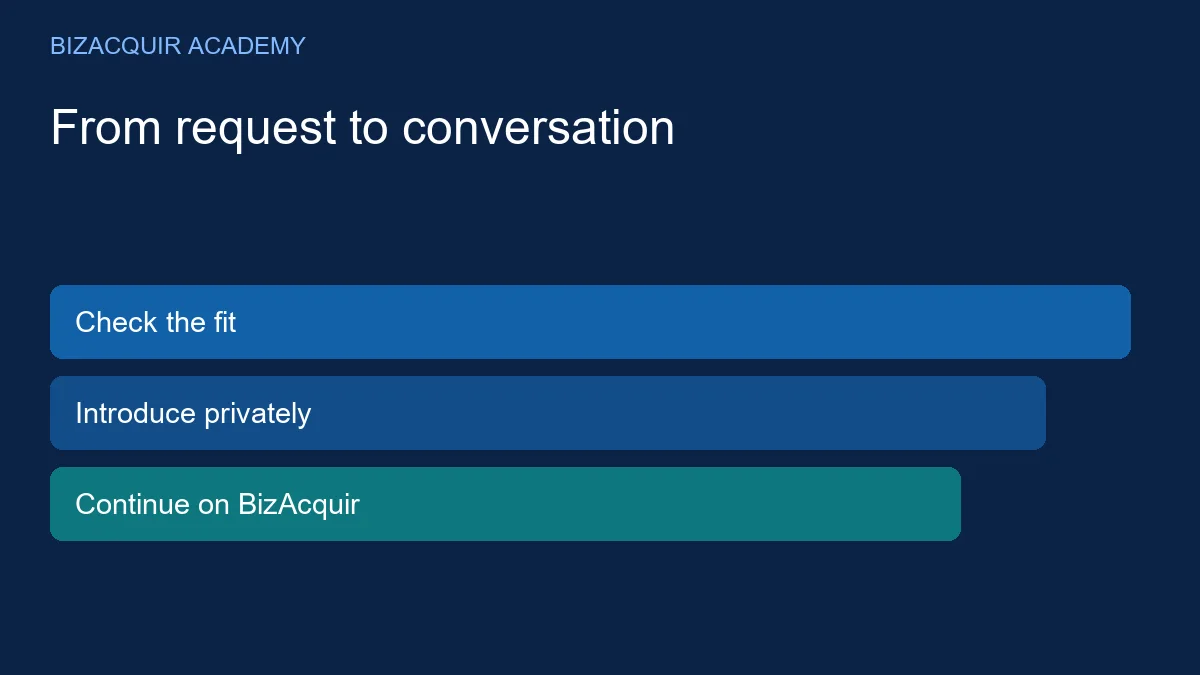
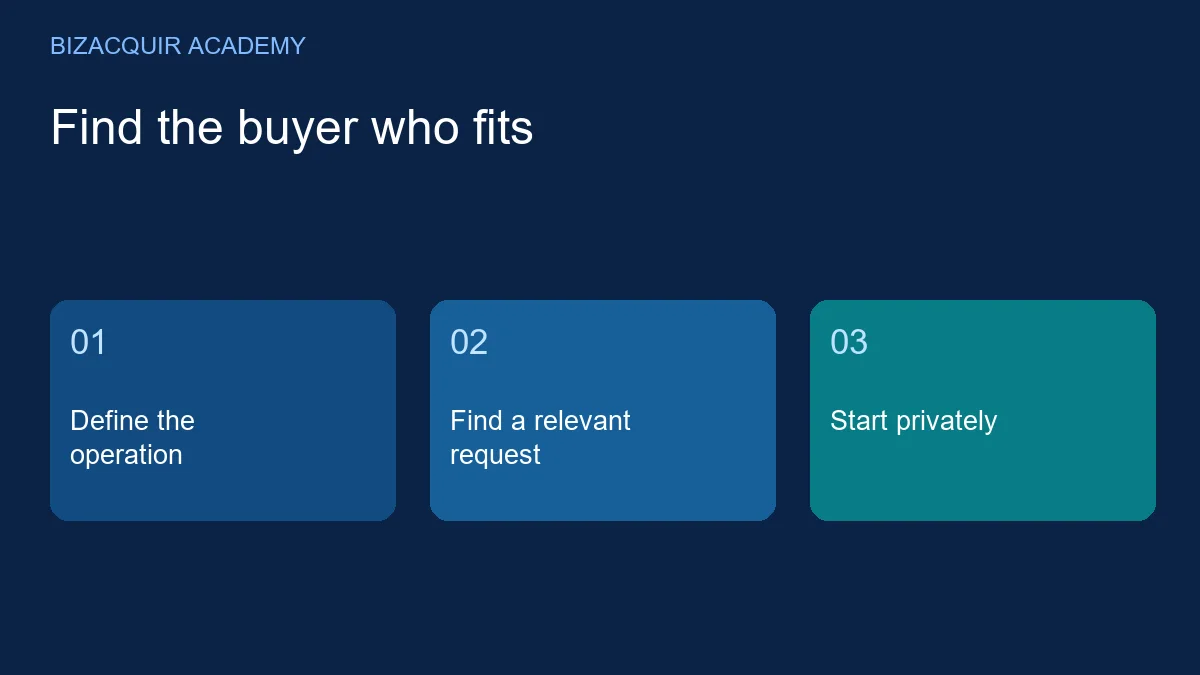
Browse Businesses Wanted for a suitable model and budget. Respond with a short explanation of fit rather than a public store URL. You can introduce the business without attaching a listing. If you do attach a confidential listing, its NDA and access requirements remain in place.
Example: I operate an established Shopify store in home organisation, with owned inventory and documented fulfillment. Your preference for a profitable consumer brand appears relevant. I can share the anonymous listing and discuss fit here before granting access to detailed information.
Do not insert private supplier contacts, customer names or exact financial reports into the first message just because the conversation is private. Share information according to the stage you have agreed.
Prepare a sensible disclosure sequence
First establish category, price expectations and workload. After the applicable NDA and approval, provide the records needed to test the buyer's principal questions. For detailed diligence, use a clear list of requested information and record what has been shared. This reduces repeated requests and helps you identify which questions remain unanswered.
Ask the buyer who else needs to review material, and check the agreement's wording before sharing it with advisers or partners. Do not promise that an NDA makes any disclosure risk-free. Previously public details may already have been seen, and revoking access cannot retrieve a file someone downloaded.
Keep the sale process moving
Confidential selling should not become an endless exchange of anonymous fragments. Once fit and access are established, give accurate information and a practical route through diligence. The Shopify buyer checklist can help both parties agree what to examine.
At handover, follow current provider requirements and the recorded sale terms. Do not use a password exchange as a substitute for an authorised ownership transfer. See the Shopify handover guide.
Sell your business privately: create a listing, choose Confidential Listing and decide who sees the details.