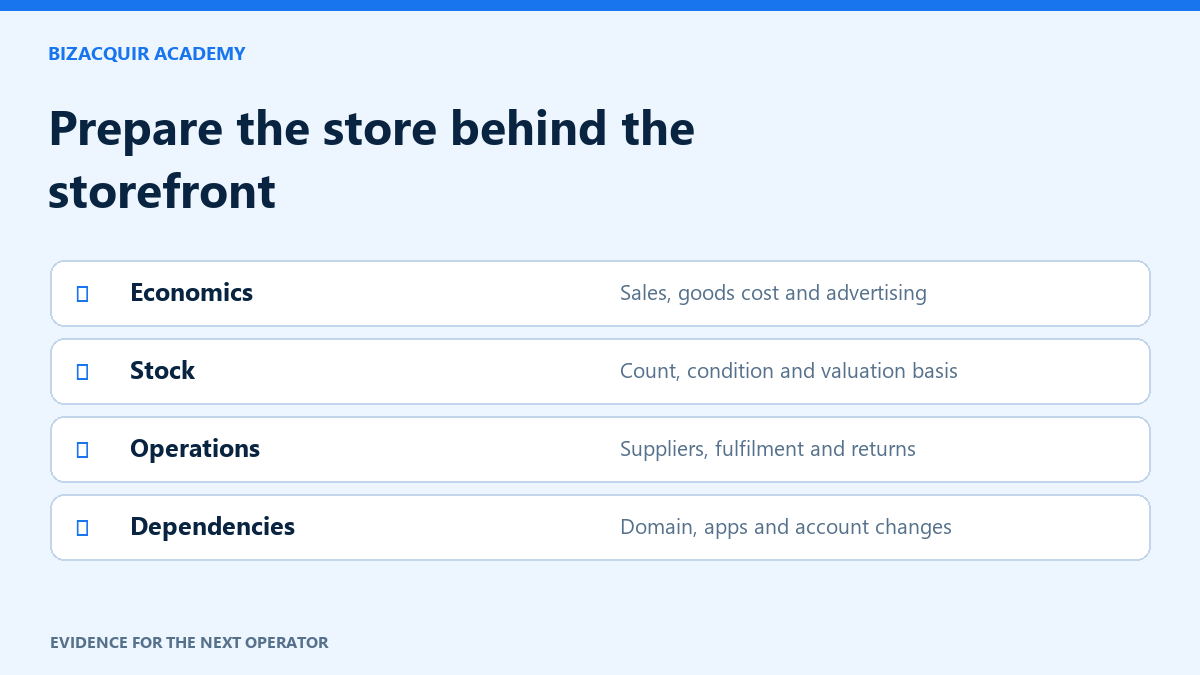
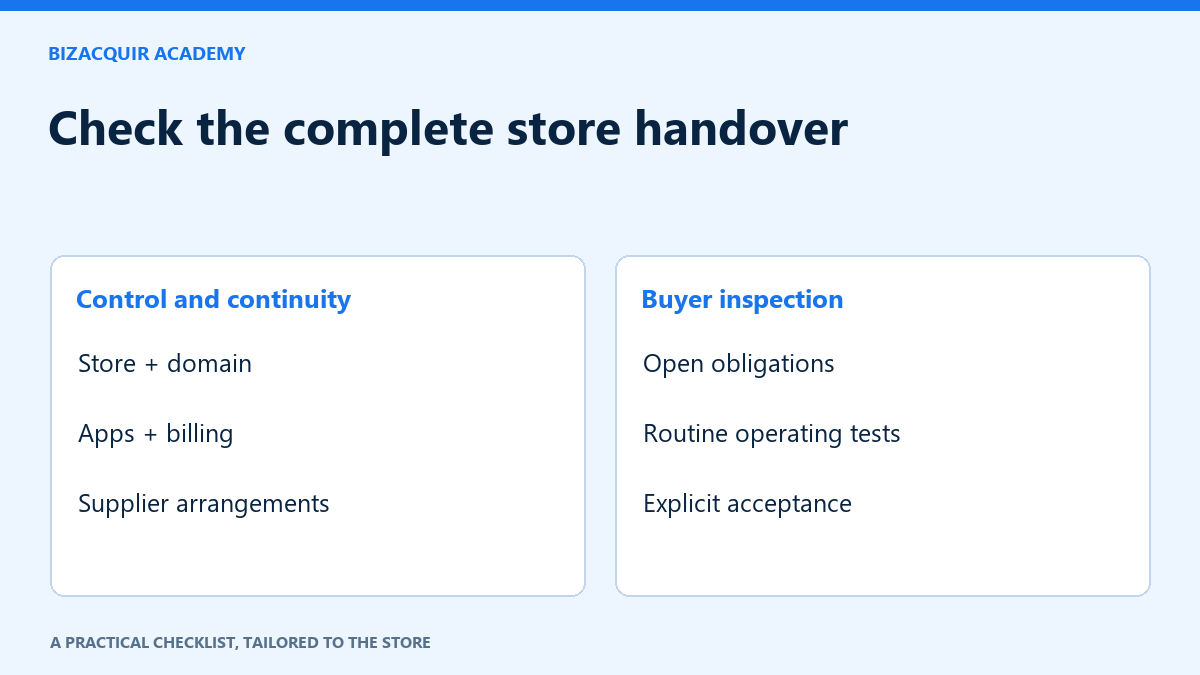
Changing the Shopify store owner is an important step, but it is not the entire business handover. Use the agreed asset list to coordinate domains, apps, supplier arrangements and continuing customer obligations. Assign each item a responsible person and an observable completion test.
Confirm the right ownership route
Shopify’s current guidance distinguishes changing ownership to an existing user from transferring to someone outside the store. Only the store owner can perform the transfer. The relevant paths are Settings → Users for an existing user and Settings → General for an outside transfer; account and organisation circumstances can alter the process.
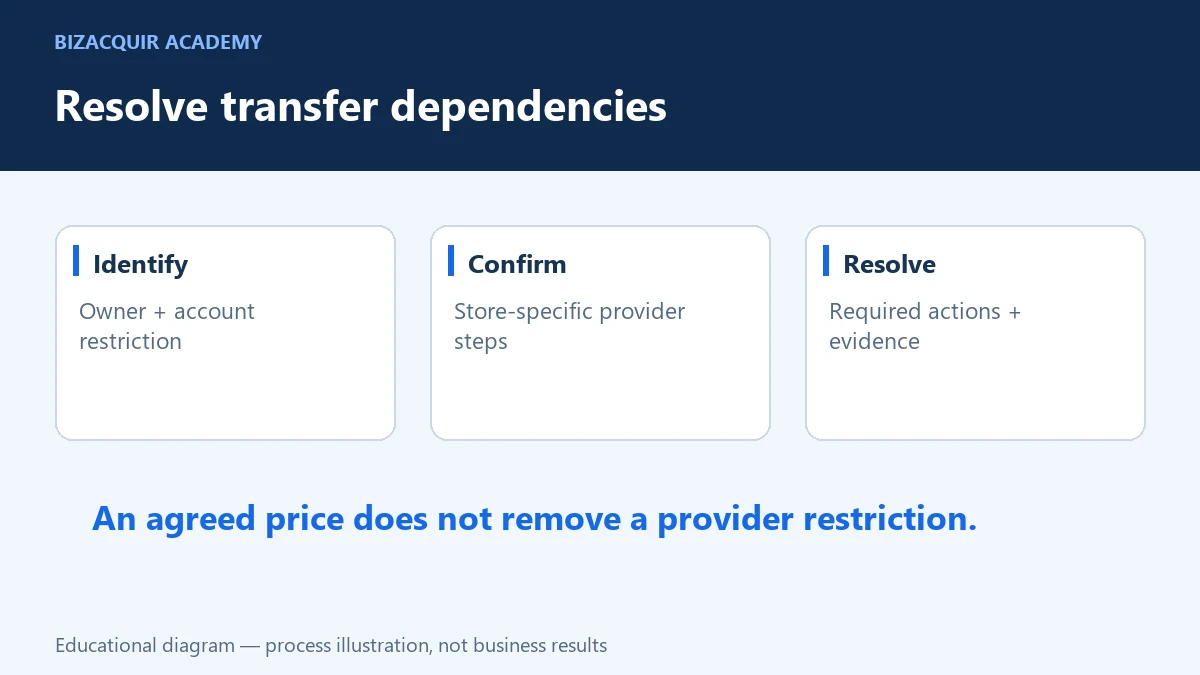
Follow the current official instructions for your account and confirm any restrictions before starting. The receiving owner must complete the supported acceptance process. Do not replace it with a shared password or assume a collaborator account is the new owner.
Use a practical asset checklist
| Workstream | Acceptance test |
|---|---|
| Store control | The buyer’s authorised account has the agreed ownership and access. |
| Domain and DNS | The buyer controls the agreed domain and understands DNS dependencies. |
| Theme and content | Included files and rights are documented; the storefront renders correctly. |
| Apps and subscriptions | Required services remain usable under appropriate billing and licences. |
| Inventory and fulfilment | The agreed stock position and open-order responsibilities are recorded. |
| Support and operations | The buyer can follow the operating instructions and reach relevant providers. |
Add business-specific items rather than treating this table as exhaustive. A subscription-box store needs different delivery checks from a print-on-demand store.
Coordinate billing and payment relationships carefully
Inventory the store plan, app charges and services billed outside Shopify. Confirm which party is responsible for charges around completion. Provider-specific billing, bank and tax details may need separate updates, and Shopify Payments business-information changes can require Shopify support.
These are the acquired business’s operational arrangements. They are separate from paying for the acquisition through BizAcquir. BizAcquir does not use a seller’s Shopify connection to initiate the marketplace purchase, refund or payout.
Plan continuity before removing old access
Identify which notifications, integrations and operational tasks depend on the seller’s email or accounts. Use supported account changes and named access. Test the normal workflow, then revoke obsolete permissions at the agreed stage. Do not remove an integration blindly if it fulfils current customer orders.
Preserve required records and handle personal data according to applicable obligations. A screenshot with a customer address is not suitable for a public handover guide or listing. Share only necessary evidence through the agreed private channel.
Inspect as the buyer and record the outcome
- Open the store using the buyer’s authorised account.
- Check the included assets against the current agreed version.
- Walk through product, fulfilment and support procedures without initiating an unauthorised live charge.
- Record unresolved items, their impact and the next action.
- Use the explicit acceptance step only when the agreed handover is complete.
In a BizAcquir deal, acknowledging access starts the inspection stage only after the other prerequisites; it is not acceptance. An unresolved dispute blocks ordinary seller payout. Do not treat a deadline, seller declaration or uploaded receipt as the buyer’s agreement that delivery is complete.
Keep the final checklist and evidence in the transaction history. Any later remedy should be recorded accurately, rather than rewriting what happened at completion.
A handover worksheet for the actual store
Copy the following checks into the agreed asset schedule and add the responsible person, due step and result. “Not applicable” should include a reason; “not tested” should remain visible.
- Ownership route: current owner, intended recipient and provider requirements confirmed.
- Store records: necessary reports retained and open obligations documented.
- Domain: control, renewal responsibility and DNS dependencies understood.
- Apps: access, licensing, billing and integration continuity checked individually.
- Inventory: count, valuation basis and excluded stock agreed.
- Fulfilment: supplier/fulfilment arrangements and open-order responsibilities confirmed.
- Communications: operational notifications reach the right authorised recipient.
- Payment relationships: required provider-led account changes handled separately.
- Buyer test: the current asset checklist can be completed with the buyer's access.
- Acceptance: unresolved issues handled before the deliberate confirmation.
Use a safe operating test
Have the buyer locate a product, explain the stock position, find an open-order procedure and prepare a draft support response. Use the platform's supported test or draft facilities where appropriate. A real customer order, refund or broadcast should not be triggered just to prove that a button exists.
If a supplier confirmation is missing, record that dependency instead of marking fulfilment transferred. If an app works only through the seller's personal subscription, resolve the licence and billing arrangement before removing access. Take a dated record of what was tested, by whom and against which asset version.
Plan for the first operating cycle after handover
Identify the next genuine replenishment, billing, fulfilment and support tasks. Confirm who is responsible under the agreement and where the instructions live. Distinguish any agreed transition help from an open-ended promise of free support. Keep a route for reporting later issues, without implying that completed payouts can automatically be recovered.
The checklist is a practical aid, not a substitute for the specific store's provider rules or sale agreement. Recheck Shopify's current ownership guidance before taking an irreversible account action.
Your next step
Ready to prepare your sale? Sell your Shopify store or get a free valuation. Create an account or sign in to view your private estimate.
Sources and useful references
- Shopify: current ownership-transfer steps
- Shopify: app charges and billing
- BizAcquir: buyer inspection and acceptance
Platform interfaces and requirements can change. Check the linked official guidance for your account before making changes.
Add a stop/go check before the ownership change
Keep a short list of prerequisites separate from the asset inventory. A provider restriction, unresolved customer obligation or missing permission can affect the transfer even when the files are ready. Confirm each prerequisite through the appropriate source; do not mark it complete because a request was sent.
Use the account-restriction checklist and record any channel-specific questions from Agentic Storefronts diligence. Then check the actual store, domain and service-access results in the agreed order.
Turn your checklist into an acceptance plan
For each asset, identify the authorized current owner, required consent, responsible person, due date and evidence that the buyer can use it. An invitation sent is not acceptance. Agree how open orders, returns, prepaid subscriptions and stock-count differences will be handled before changing access.
Open the printable transfer plan · Download editable CSV. Keep your completed copy private.
Use the buyer due-diligence guide to resolve financial and supplier questions before this handover stage.