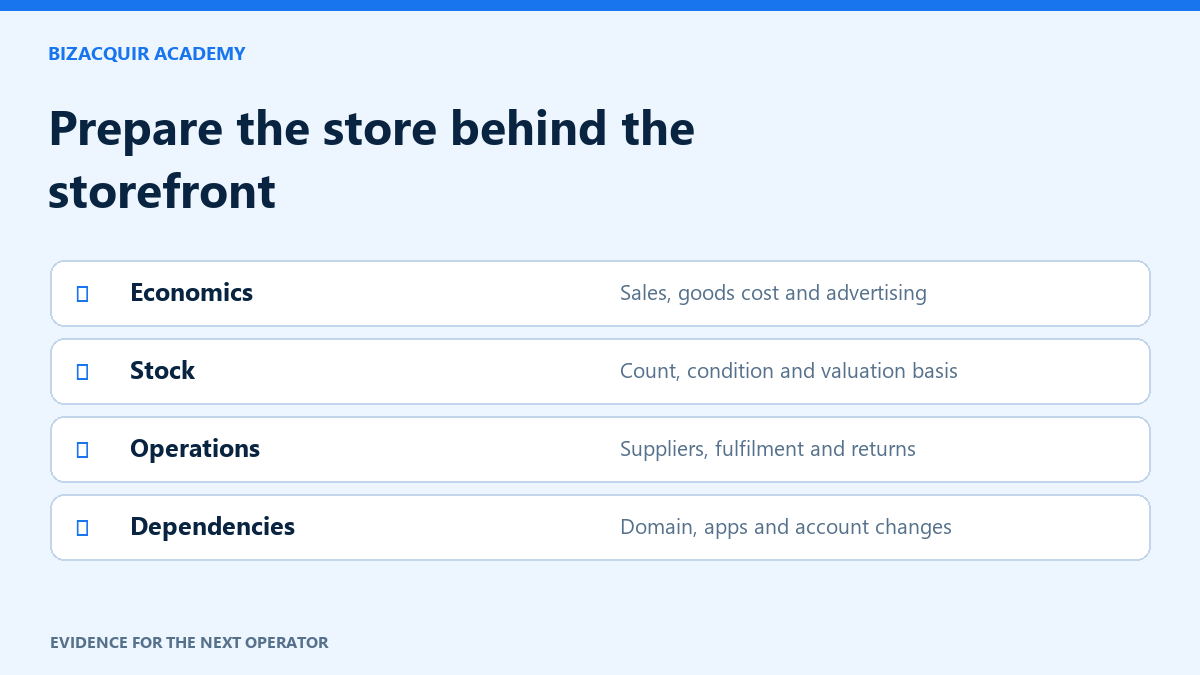
A Shopify storefront is only one part of an ecommerce business. The sale can involve inventory, supplier relationships, advertising, customer obligations and software that is billed elsewhere. Preparation means explaining how those pieces work together and what the buyer will receive.
Reconcile sales, payments and profit
Choose a consistent reporting period and retain the records behind it. Shopify sales reports and payment records answer different questions. Net sales generally deduct discounts and sales reversals from gross sales; shipping, taxes and other components can make total sales different. Check the definition of the report you actually use.
Build a separate cost schedule for goods, fulfilment, advertising, software, staff and owner work. A product-level gross profit report does not necessarily include all business operating costs. Explain missing cost inputs rather than reporting them as zero.
| Record | Buyer question it helps answer |
|---|---|
| Monthly sales and reversals | Is demand consistent, seasonal or promotion-dependent? |
| Product and channel mix | How concentrated is the business? |
| Inventory and landed costs | What stock is included and how is it valued? |
| Advertising and fulfilment costs | What does it cost to acquire and serve an order? |
| Open orders and returns | What obligations remain at handover? |
Describe the operating model accurately
Inventory-based ecommerce, dropshipping, subscription boxes and print-on-demand have different working-capital and delivery risks. Keep operating model separate from product niche. A beauty store could use several fulfilment arrangements; “beauty” does not explain who holds stock.
Record supplier lead times, minimum quantities, quality-control steps and any agreement that needs consent to transfer. Do not imply that a supplier relationship is included simply because the buyer receives a contact address.
Check inventory and customer obligations
Prepare a dated inventory schedule distinguishing saleable, damaged, obsolete and committed stock. Agree how stock will be counted and valued at completion. Asking Price may or may not include inventory; make that explicit.
List outstanding orders, returns, warranties, gift cards and prepaid subscriptions where relevant. Decide how they are handled in the agreement with appropriate advice. Do not expose customer names or addresses in the public listing; use necessary aggregate information and controlled evidence access.
Prepare the assets and account changes
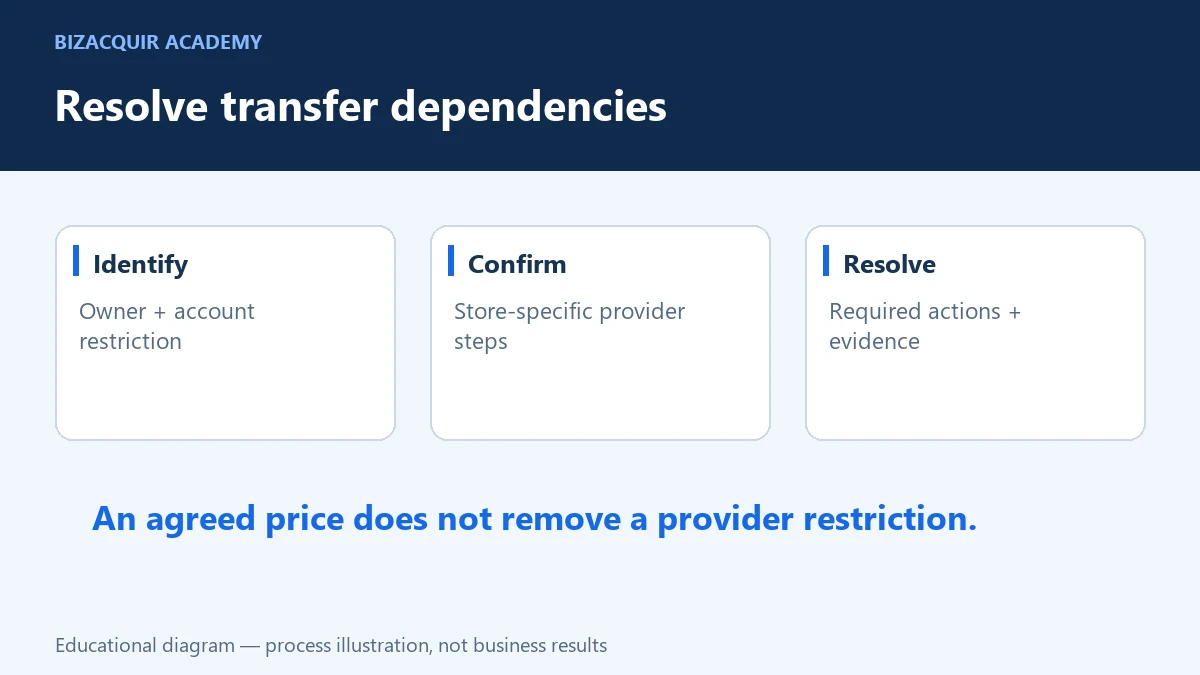
Identify the domain, theme, original content, app subscriptions, analytics and marketing assets included. Check the current provider requirements for each. Shopify identifies account-specific restrictions around products such as Capital, Credit and Balance, and Shopify Payments business changes can require support. Resolve these before promising a transfer date.
A store data connection for a listing does not transfer ownership or payment accounts. Likewise, access to the store does not automatically transfer an external advertising account, app licence or social profile.
Build a clear sale presentation
Use representative screenshots, a concise business overview and a realistic owner-work description. Explain both strengths and limitations. A buyer should be able to see what they would operate, not just what the storefront looks like.
On BizAcquir, save a Shopify draft, choose the correct operating model and niche, and keep seller-provided financials separate from imported sources. Asking Price and Buy Now remain distinct. Use the handover checklist to turn the included-assets description into observable delivery tests before agreement.
Build a store preparation pack around operating decisions
Organise a month-by-month financial schedule and an operating schedule together. If advertising spend rises, show the same period's orders, refunds and costs rather than only the best revenue month. If stock is included, give the count date and explain whether its value is cost, another agreed basis or still to be negotiated.
| Pack section | Useful detail |
|---|---|
| Sales and returns | Completed periods, currency, discounts and reversal definitions. |
| Product economics | Goods cost, shipping, fulfilment and material gaps in cost data. |
| Customer acquisition | Channel spend and the limits of attributed orders. |
| Inventory | Saleable, damaged, obsolete and committed stock separately. |
| Suppliers | Lead times, order minimums, payment terms and transfer consent. |
| Open obligations | Unfulfilled orders, returns, gift cards and prepaid subscriptions. |
A store with USD 10,000 sales and USD 4,000 product gross profit has not necessarily made USD 4,000 operating profit. Advertising, apps, labour and other costs still need consideration. Use the exact definitions of the Shopify report you export.
Run a transfer-readiness rehearsal
- List every service required to take, fulfil and support an order.
- Identify its account owner, billing party and permitted change process.
- Mark anything tied to a personal email, payment account or non-transferable licence.
- Write a proposed replacement or approval step for each dependency.
- Walk through a draft or test workflow without placing an unauthorised live charge.
A common mistake is preparing only a storefront screenshot and sales graph. Another is assuming an app remains usable because it is installed. Check external billing and licensing as well as the store subscription. The buyer needs a business that can operate after the seller's access is removed, not simply a login that works today.
Make inventory inclusion explicit
Hypothetical example: a seller asks USD 30,000 for the brand and store, and separately records USD 4,000 of saleable stock at cost. A buyer cannot tell whether the total is USD 30,000 or USD 34,000 until the proposal says whether that stock is included. Neither amount is a market benchmark. Record the count date, valuation basis, exclusions and treatment of stock sold before completion.
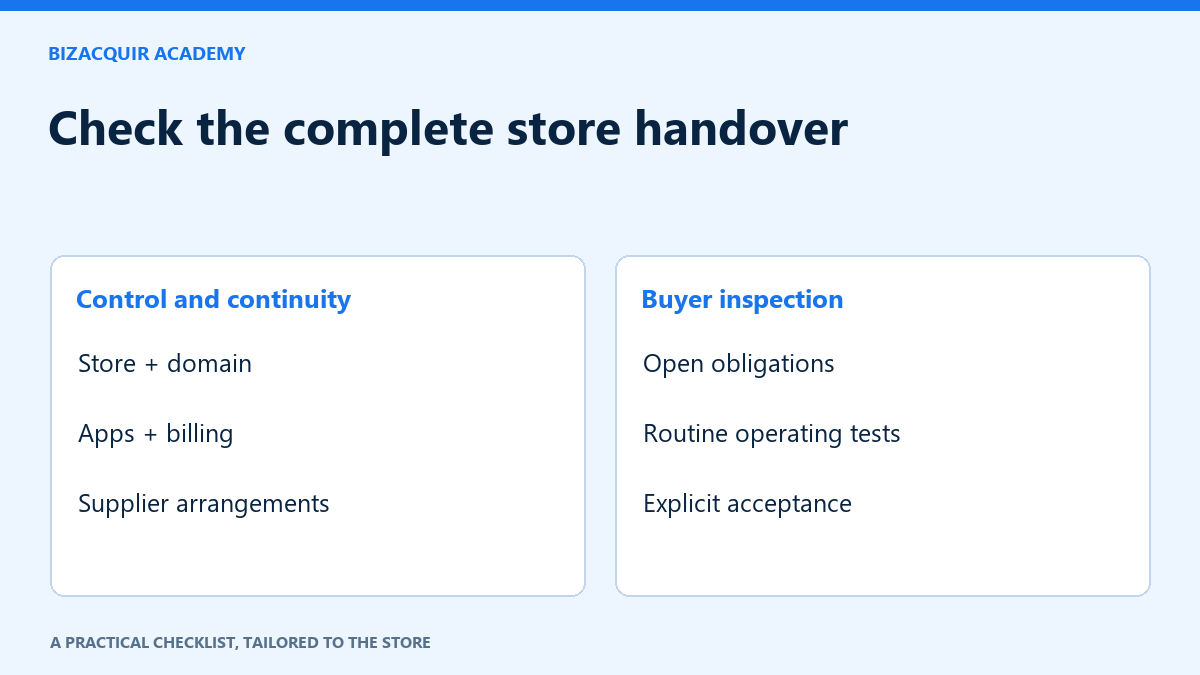
Build the listing from that defined scope, not from a screenshot of gross sales. Connect financial history, describe costs separately and use the Shopify handover checklist for the store, domain, apps and supplier arrangements.
Your next step
Ready to prepare your sale? Sell your Shopify store or get a free valuation. Create an account or sign in to view your private estimate.
- Shopify Store Handover Checklist: Store, Domain, Apps and Operations
- Selling a Shopify Store With Past Sales but No Recent Revenue
Sources and useful references
- Shopify: finance report definitions
- Shopify: profit-report limitations
- Shopify: ownership-transfer considerations
Platform interfaces and requirements can change. Check the linked official guidance for your account before making changes.
Check newer channels and transfer restrictions early
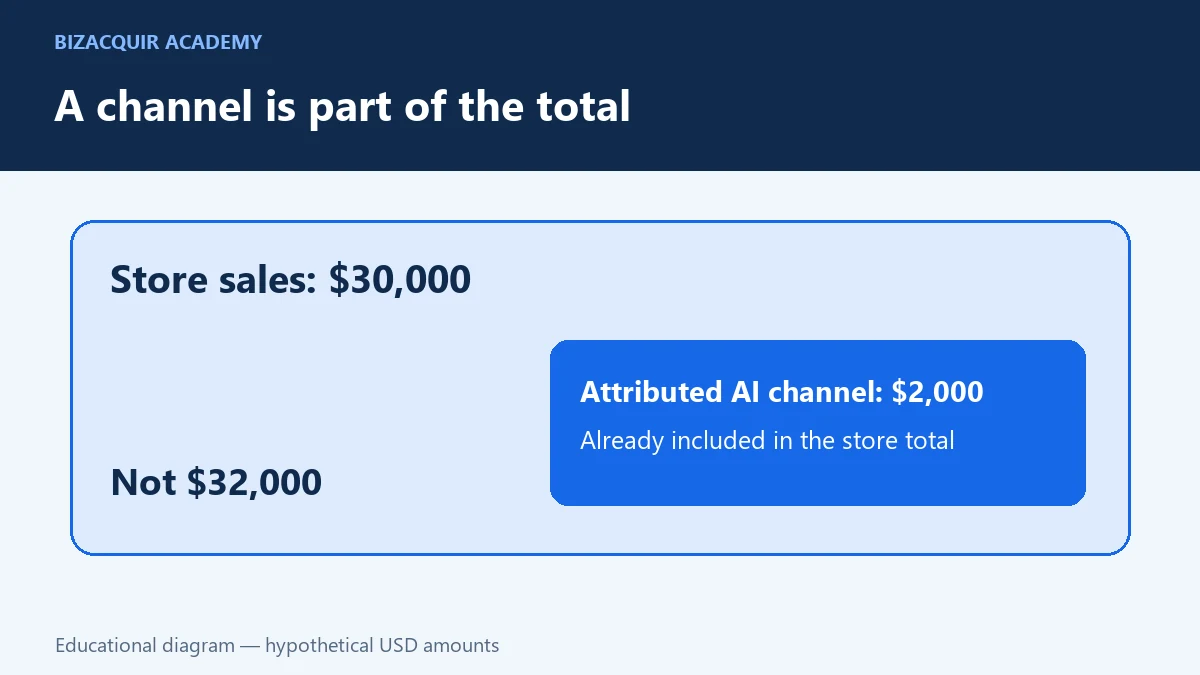
A buyer information pack should describe the channels actually used today, not only the store’s original acquisition strategy. If AI shopping channels contribute, use the Agentic Storefronts diligence guide to avoid double-counting attributed sales.
Resolve account-specific ownership restrictions before promising a completion date. The Capital, Credit and Balance transfer guide explains the questions to establish with Shopify; a price agreement does not remove a provider restriction.
Prepare for the buyer’s evidence checks
A growing store still needs a dated stock count, cost reconciliation and supplier continuity plan. Prepare these before negotiations so a buyer can distinguish a missing record from a genuine operating problem.
Open the printable inventory worksheet · Download editable CSV. Keep your completed copy private.
See the buyer due-diligence questions and prepare a consistent valuation basis.