A store with no recent revenue needs a financial timeline, not a rewritten version of its best year. Buyers want to know whether sales stopped because the owner paused the operation, demand weakened or the business could no longer deliver profitably.
Choose a timeline that shows the gap
Show the last representative trading period and the period since sales stopped. Label exact dates and currencies. If data is missing, show a gap; zero means a known zero, not a report you could not retrieve. Mark events such as advertising pauses, stockouts, supplier changes, domain problems and closure. Separate documented events from your interpretation of their effect. An honest explanation can include more than one cause.
Reconcile sales with cash and costs
| Figure | Why it matters | Check before sharing |
|---|---|---|
| Orders or gross sales | Commercial activity | Cancellations, discounts and included charges |
| Captured payments | Money successfully collected | Reporting dates and provider coverage |
| Refunds | Money returned | Original orders and timing |
| Operating profit | Economics after costs | Product, advertising, fulfillment and recurring expenses |
Do not call a payout revenue or a gross sales total profit. A Shopify report and a payment-provider report may use different definitions. Explain the difference rather than changing one to force agreement.
Build a factual decline note
Hypothetical example: the final active quarter produced USD 15,000 in sales. In the next quarter, advertising stopped and inventory ran out, followed by zero sales. The seller can document those events. They cannot conclude that spending the old advertising budget would automatically restore USD 15,000 of sales. List what remains testable: supplier availability, current product demand, site functionality and economics at today’s costs. Record which checks have already been completed and which a buyer would need to investigate.
Give current assets their own review
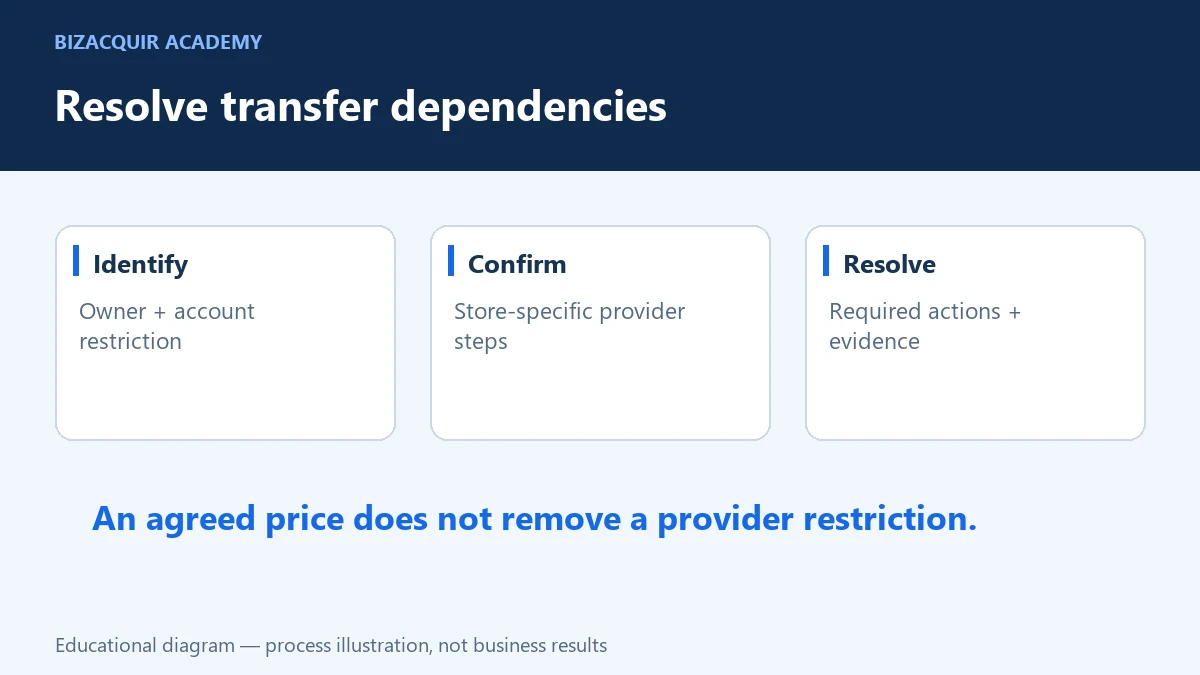
Inspect inventory for age and condition. Check whether images, product claims and delivery promises are still accurate. Confirm domain control and identify app subscriptions or licences needed to operate. A once-working stack can change while a store is dormant. Shopify store ownership and external service relationships should be reviewed separately. Do not assume transferring the store updates every supplier agreement, advertising account or payment-provider obligation.
Use historical data appropriately on BizAcquir
Choose Inactive when that reflects the operation, add the inactivity date and connect the account containing the relevant history. A recent sync can contain old trading data; the sync date and reporting dates should both remain visible. Current zero revenue does not disqualify a business with supported past revenue. Use the valuation worksheet conservatively. Former peak earnings are not current maintainable earnings. If the case rests mainly on inventory, brand and reusable operating assets, describe those assets and restart costs instead of multiplying old sales by an optimistic factor. Before submitting, read the listing as a buyer: can you tell when the business last traded, why it stopped and what would be required to trade again? Those three answers make the history useful.
Check the relevant provider guidance
These official references support the platform-specific steps. Your own contracts, account configuration and agreed sale terms still need to be checked.
Build a month-by-month event strip, not twelve invented values
Use each available completed month and place documented events beside it: advertising stopped, stock ran out or the storefront closed. Leave missing periods visibly missing. If you only have a quarterly total, do not divide it into three fabricated monthly observations.
Keep current revenue and historical revenue separate in the listing. A fresh import of older orders is not a stale sync, but neither is it evidence of current trading. The buyer should be able to see both the earning dates and the last successful synchronization.
Your next practical step
Use the SHOPIFY selling checklist to turn the gaps into a preparation plan. You can start a private listing draft or explore a free valuation; signup or login is required to view valuation results.
Continue with Can You Sell a Dead or Inactive Shopify Store? and How to Prepare a Shopify Store for Sale.