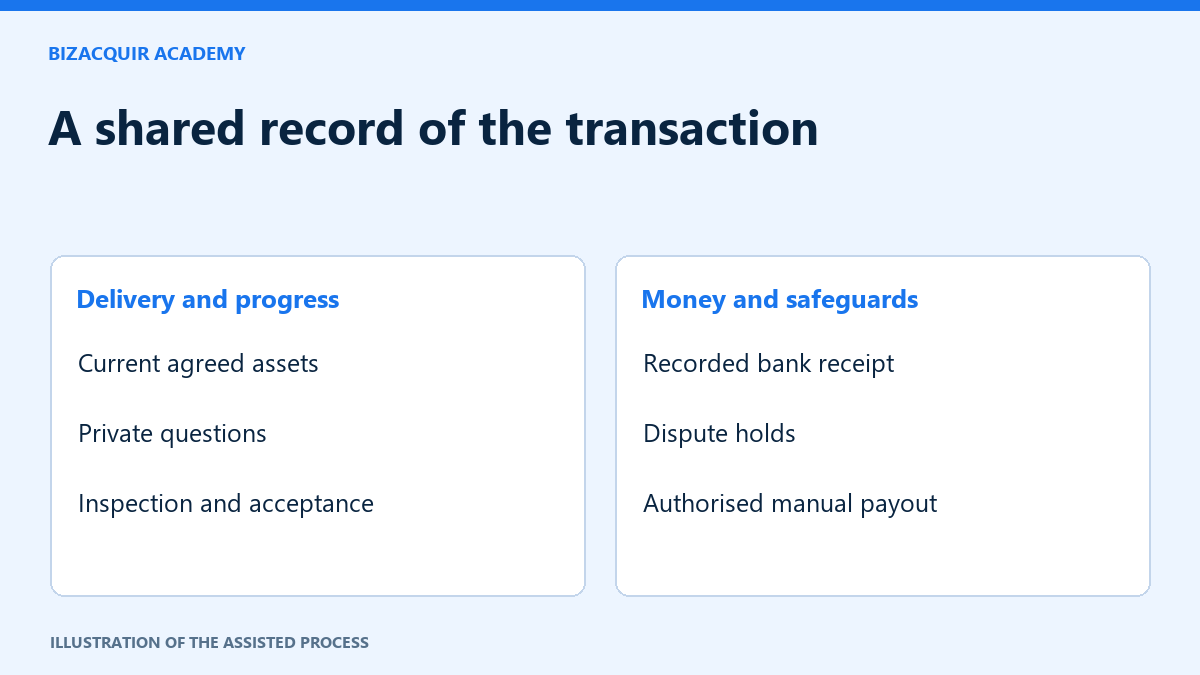
The private deal workspace keeps the agreed transaction, documents, messages and progress in one place for the participants and authorised staff. It is not an instant payment checkout or a promise that every acquisition will succeed. Read the actual deal terms and status before acting.
Start with the agreement and current checklist
Check the agreed amount, currency, transaction reference and included assets. Keep Asking Price, Buy Now and the actual agreed sale amount distinct. Confirm the current handover version rather than relying on an older message.
An assigned manager is shown by their registered first name and BizAcquir Deal Manager label. If the workspace says Awaiting assignment, do not infer that a particular staff member is already responsible. Use the available private message area for deal questions; do not publish the workspace’s contents elsewhere.
Read receiving instructions before making a transfer
Authorised staff provide per-deal bank instructions to the relevant buyer. Check the account holder, amount, currency and reference shown in the current version. Revised instructions require buyer acknowledgment. If instructions differ from a message received elsewhere, pause and confirm through the workspace before sending funds.
Uploading a receipt is supporting evidence only. It does not confirm payment. Authorised finance staff must check the receiving bank account and record receipt. BizAcquir’s website records these events; it does not initiate bank transfers.
Distinguish delivery, inspection and acceptance
| Stage | Meaning |
|---|---|
| Seller declares delivery | The seller reports that the agreed assets have been delivered. |
| Staff checklist check | An authorised staff member checks the handover checklist. |
| Buyer starts inspection | The buyer explicitly acknowledges access; this is not acceptance. |
| Buyer accepts handover | The buyer confirms the current agreed version through the acceptance step. |
| Manual payout recorded | Authorised finance staff record an eligible completed bank movement. |
The default inspection period is seven calendar days. Both parties should read the exact deadline and timezone displayed in their deal. An authorised extension needs a recorded reason. Expiry and silence never stand in for buyer acceptance.
Report a problem without waiting for complete evidence
Either participant can report a dispute and describe the issue. An unresolved dispute places ordinary payout on hold. Add supporting evidence through permitted private controls as it becomes available; do not send passwords or expose third-party personal data unnecessarily.
Evidence requests show exact deadlines. Missing a deadline triggers follow-up rather than an automatic win, refund or payout. Proposed settlements require the applicable participant consent and staff approvals. A changed proposal needs fresh consent to its current version.
Understand the completion boundary
Ordinary seller payout requires explicit buyer acceptance, no unresolved dispute and the existing financial prerequisites. The completed payment is recorded in the deal. Fees must be shown and agreed; bank movements remain manual. A mutually agreed refund or split settlement is recorded separately and does not falsely mark an unfinished handover accepted.
Keep private documents and transaction history accessible through the workspace’s normal permissions. The system is not a credential vault. Agree a secure provider-supported handover method for sensitive access. For the current process details, use the transaction guide alongside your actual deal agreement.
Use the current status to choose your next action
| Workspace situation | What the participant should do |
|---|---|
| Awaiting instructions or assignment | Keep questions in the private workspace; do not infer bank details from an unrelated message. |
| Revised receiving instructions | Buyer reviews the current version and acknowledges it before proceeding. |
| Receipt uploaded, funds not confirmed | Wait for the authorised bank-account check; the upload is evidence, not confirmation. |
| Delivery declared | Check the agreed asset version and whether staff checklist review is complete. |
| Inspection available | Buyer acknowledges access to start inspection, then performs the agreed tests. |
| Disputed or on hold | Read the issue and next requested action; provide relevant private evidence. |
Keep a useful issue record
Describe the asset, expected behaviour, actual behaviour and when you observed it. For example, “The agreed archive opens, but the buyer's account cannot access the included lesson files.” Attach a narrowly cropped, non-secret screenshot when helpful. Do not delay reporting a serious issue until every attachment is ready.
If staff request evidence, use the exact deadline and timezone shown. Ask for an extension with a reason when needed. An overdue flag leads to follow-up, not automatic consent or a decision in either party's favour. Keep later corrections in the history so everyone can distinguish the original report from the current state.
Check the last confirmation carefully
Before buyer acceptance, read the checklist version, included assets and unresolved items. The confirmation should express your own conclusion about that handover. Neither seller delivery nor staff receipt confirmation can make that decision for you.
For a settlement proposal, compare the exact amounts, currency and asset disposition with the version you are accepting. A changed proposal needs new consent. Ordinary seller payout and a mutually agreed settlement are different paths; neither is a button for participants to send bank funds automatically. Keep any later complaint as a separate record instead of rewriting a completed payment event.
Your next step
Sources and useful references
Understand the agreed fees and cancellation record
For new USD agreements, buyers pay 2% on top of the agreed sale price. The seller success fee is 7% through USD $50,000 inclusive and 5% above, applied to the whole sale price. Seller fees exclude the buyer fee. Existing accepted agreements are preserved.
Approved full cancellations refund amounts actually paid, including collected BizAcquir fees. A request does not itself move money. Refund approval and completed manual refund are separate records; any recovery needed after payout remains outstanding until funds are available. Partial refunds need explicit amounts, reasons and the existing settlement approvals.
Review the pricing examples before accepting your deal.
Before accepting, read the same recorded terms
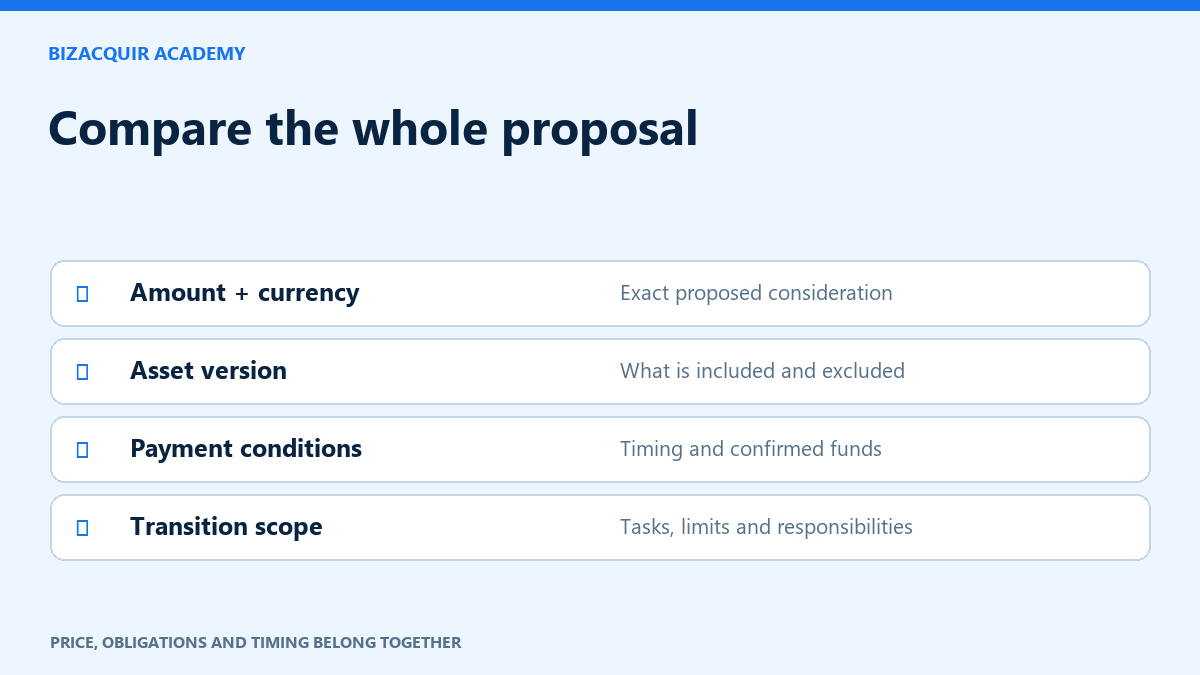
Check the agreed sale price, currency, assets, handover obligations, inspection arrangements and each party’s fees. If installments are included, inspect the principal schedule and the associated fee treatment. A changed asset or price should be reflected in a new version for both parties to review.
A cancellation request, an approved refund and a completed manual refund are separate events. The workspace should show the actual state; a dispute does not automatically release or refund funds. Use the help route when an instruction conflicts with the agreed terms.