A buyer cannot compare two financial screenshots if one shows payments collected in September and the other shows money withdrawn in October. Before you choose an asking price, make a small reconciliation that explains what each number measures. The aim is a traceable financial story, not the largest possible revenue headline.
Start with one period, one currency and a defined figure
Whop announced Financial Reports on September 18, 2026. Its current analytics documentation also describes payment, recurring-revenue and fee views. These can help you assemble records, but a dashboard label is not automatically identical to a figure imported into BizAcquir. Read the definition beside each source.
Choose a completed calendar month first. Record its start and end, currency, account and timezone. Then repeat for the available history. Keep the incomplete current month separate. If your records cover only six months, call them six months of available history—not lifetime revenue.
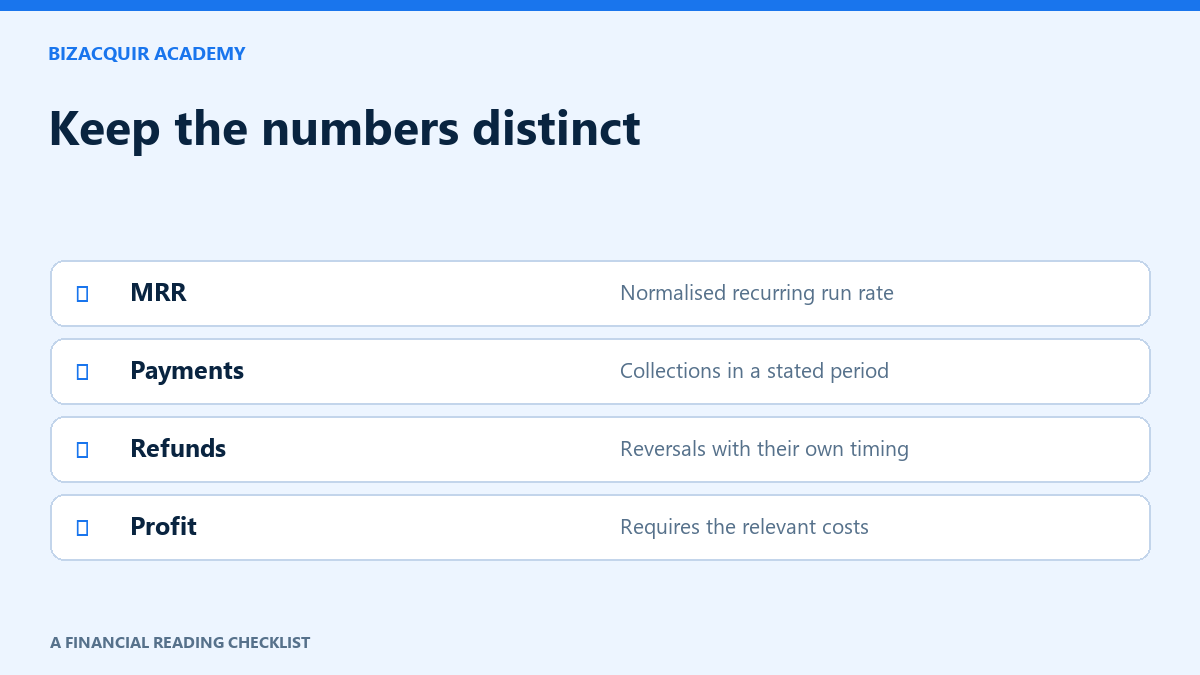
| Record | Question to answer | Avoid |
|---|---|---|
| Successful payment volume | Which payments succeeded in this period? | Calling every attempted payment revenue |
| Refund amount | Were refunds issued in this period or linked to this sales cohort? | Subtracting the same refund twice |
| Disputes | Are these opened cases, losses or recovered funds? | Treating every open dispute as a final loss |
| Fees | Which processing, platform or affiliate costs are included? | Claiming an after-fee total is profit |
| Payouts and transfers | When did money move between balances or to a bank? | Adding payouts to sales |
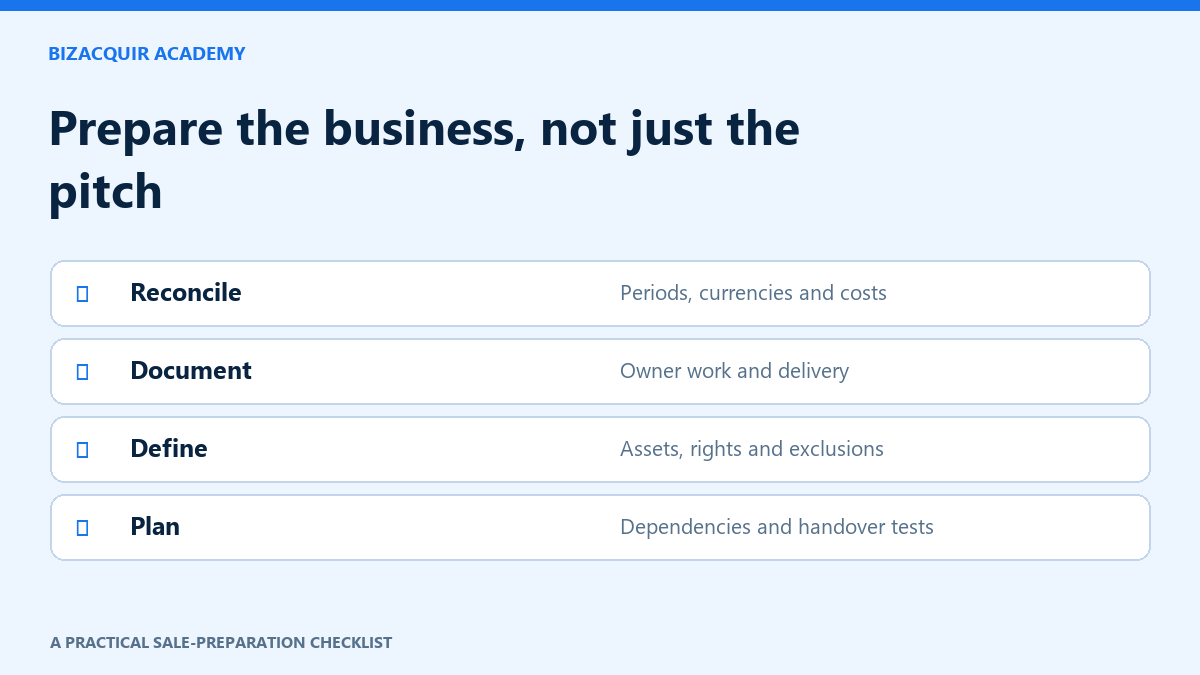
Build the reconciliation in five passes
- Save the report name, selected dates and currency alongside the export or permitted supporting evidence. Keep customer-level information private.
- Compare successful payments with the revenue definition used in your listing. Note tax, failed payments and any non-sales items separately.
- List refunds and disputes on their own lines. Say whether the report groups them by event date or original payment date.
- List known fees once. Then add operating expenses from your business records; they may not appear in a payment report.
- Explain any remaining difference in a short exception log. Do not force it to zero with an invented adjustment.
Worked example: cash movement is not the sale figure
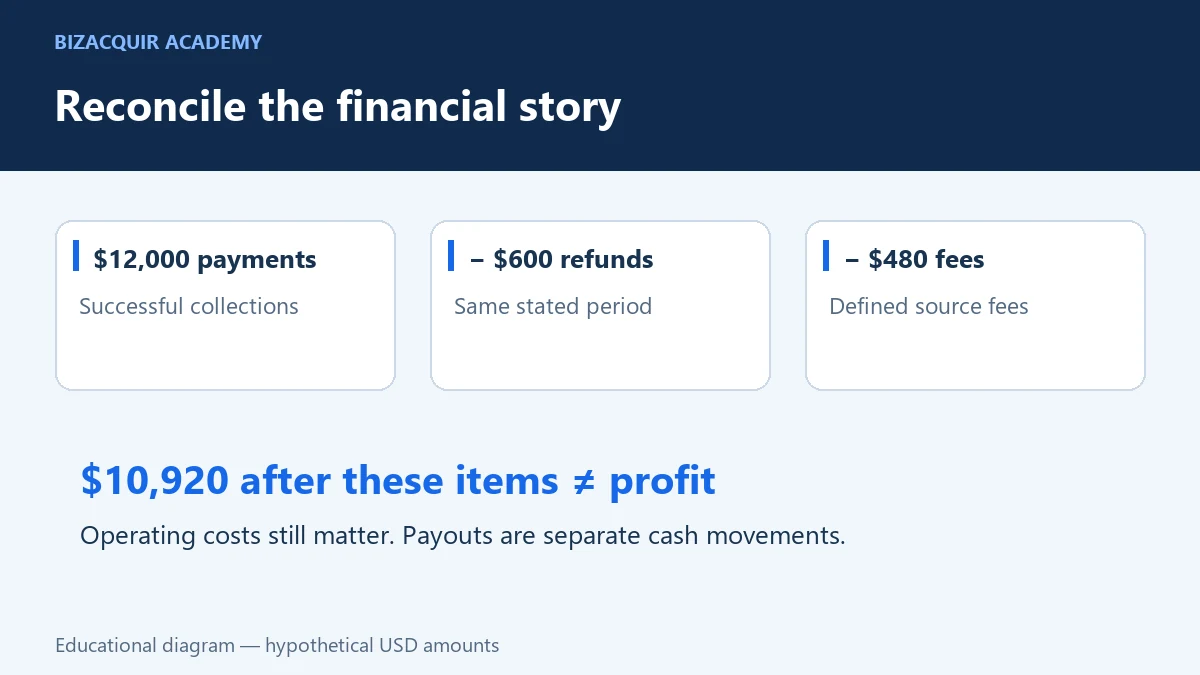
Hypothetical example, USD, September 1–30: successful customer payments are $12,000, refunds issued are $600 and reported processing/platform fees are $480. On those stated definitions, payments less refunds are $11,400; after those fees the remainder is $10,920. Neither number is profit until the relevant delivery and operating costs are considered.
Suppose $8,000 was withdrawn to a bank during September. That does not turn revenue into $8,000 and must not be added to the $12,000. Withdrawals may include earlier collections or leave funds in the provider balance. Likewise, an open $300 dispute deserves a separate status note until its treatment is known. This example is a reconciliation exercise, not an accounting standard or an actual business result.
Use monthly history to explain the business, not smooth it away
Show actual completed months rather than dividing an annual total into twelve identical bars. A launch month, annual renewal cycle or large refund can materially change the pattern. Annotate a spike with its documented cause and show what happened next.
An inactive business may have a recent synchronization and old sales. State when the business stopped trading and label the earning period. A fresh import does not make old payments current recurring revenue. Missing months should remain unavailable until supported records are obtained.
Before sharing the pack with a buyer
- Do the chart and summary use the same dates and currency?
- Are gross payments, refunds, disputes, fees and operating expenses distinguishable?
- Does every adjustment have a source and a reason?
- Are Stripe and Whop totals kept separate where they may represent the same transactions?
- Have customer names, contact details and payment information been excluded from public material?
- Can you explain a difference without changing a provider-sourced figure?
What to do when the totals still differ
First check dates and timezone; next check gross versus net definitions and whether refunds are grouped by refund date or original sale. Compare like-for-like currencies. Annual subscriptions can also make cash collections look very different from recurring-revenue estimates.
If a report is unavailable, identify the missing period or metric instead of entering zero. Keep the supporting records you do have and ask the provider about the specific discrepancy. Do not claim a report feature or an import has validated a number merely because the account is connected.
Put the explanation beside the evidence
Start with the guide to MRR, revenue, profit and refunds, then add the reconciliation to your buyer information pack. Connected Financials on BizAcquir retains its own source, reporting period and available history; seller-provided expenses stay separate.
Ready to prepare the business? Sell your Whop business or get an indicative valuation. A genuine successful financial connection is required before first listing submission.
Sources and further reading
- Whop releases: Financial Reports announcement, September 18, 2026
- Whop: business analytics
- Whop: payment health
Sources checked on October 23, 2026. Provider features and account eligibility can change; confirm the current options in your own account.
Keep a difference log that a buyer can follow
Start with one completed month and one selected business. Record the report name, currency, timezone and date basis before comparing totals. If two exports differ, first check filters, refund timing, failed payments and whether fees were already deducted. Do not add a balancing number just to make them agree.
For each difference, write the amount, likely explanation, supporting record and remaining question. Mark unavailable history explicitly. A current synchronization of historical sales is different from an out-of-date synchronization.
Open the printable financial reconciliation worksheet · Download editable CSV. Keep your completed copy private.
Package the explanation with your buyer information pack. Use the metric definitions guide when a report label is unclear.