You can browse BizAcquir without creating an account. Sign in when you want to save a business, view the detailed information available to buyers or contact a seller. The Buying dashboard keeps those activities together.
Start with a useful set of filters
Open Browse Businesses and choose Whop, Shopify or SaaS where relevant. Add a category or operating-model filter only if it reflects what you want to operate. Keep the search broad enough to find businesses you can actually assess.
Read result counts and use the available sort and pagination controls. If no records match, remove one filter at a time. An empty result is not evidence that a hidden listing can be purchased; only eligible public listings appear in discovery.
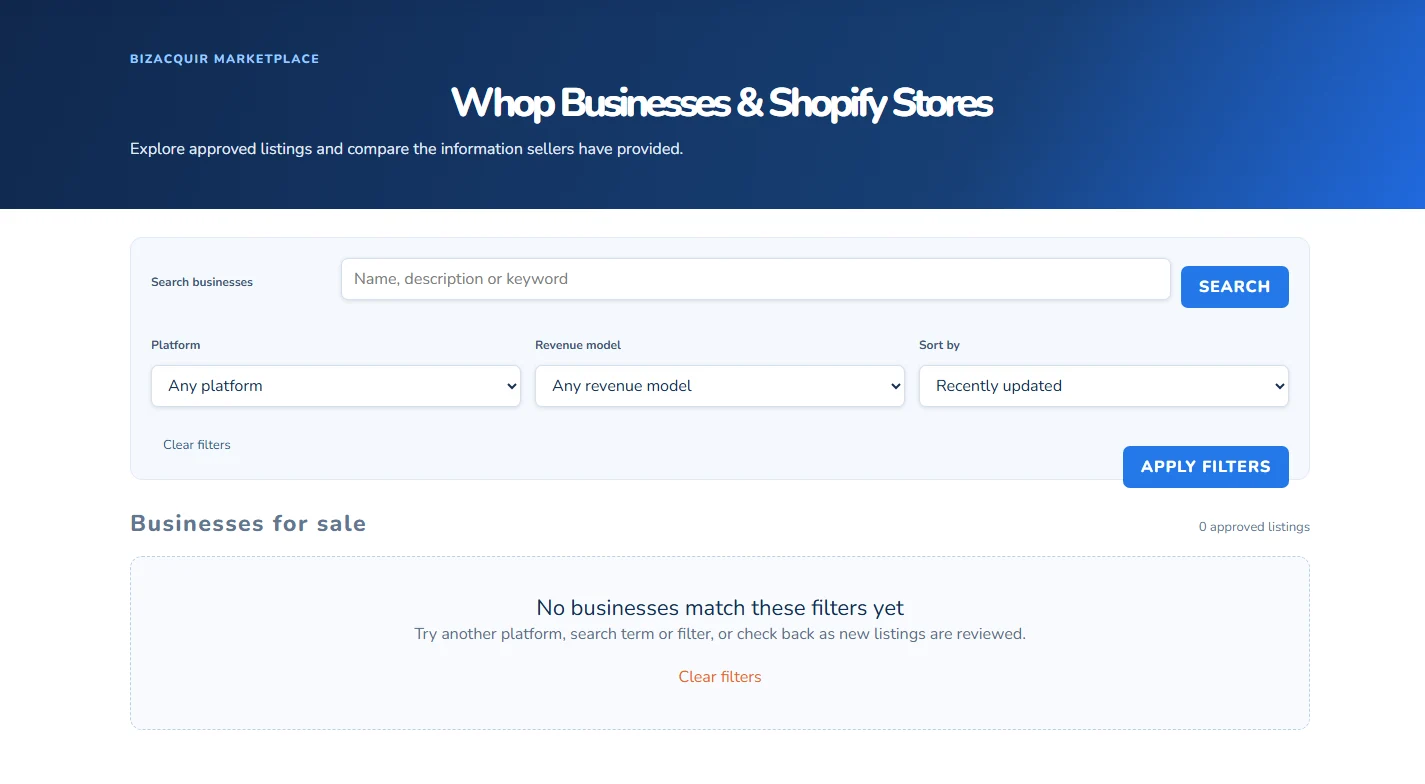
The public browse interface. Availability changes over time; this capture shows the real empty-result state rather than fabricated listings. Select the image to open it larger.
Read the card and then the detail page
Cards provide a compact comparison. Open a listing to understand the offer, seller-provided narrative, available financial information and included assets. Asking Price and Buy Now are intentionally separate when both exist. Do not assume the smaller amount is an automatic checkout price.
Check whether a monthly figure is an average calculated from annual data, whether a multiple uses profit or revenue and which currency applies. Missing data should trigger a question, not an assumption that the amount is zero.
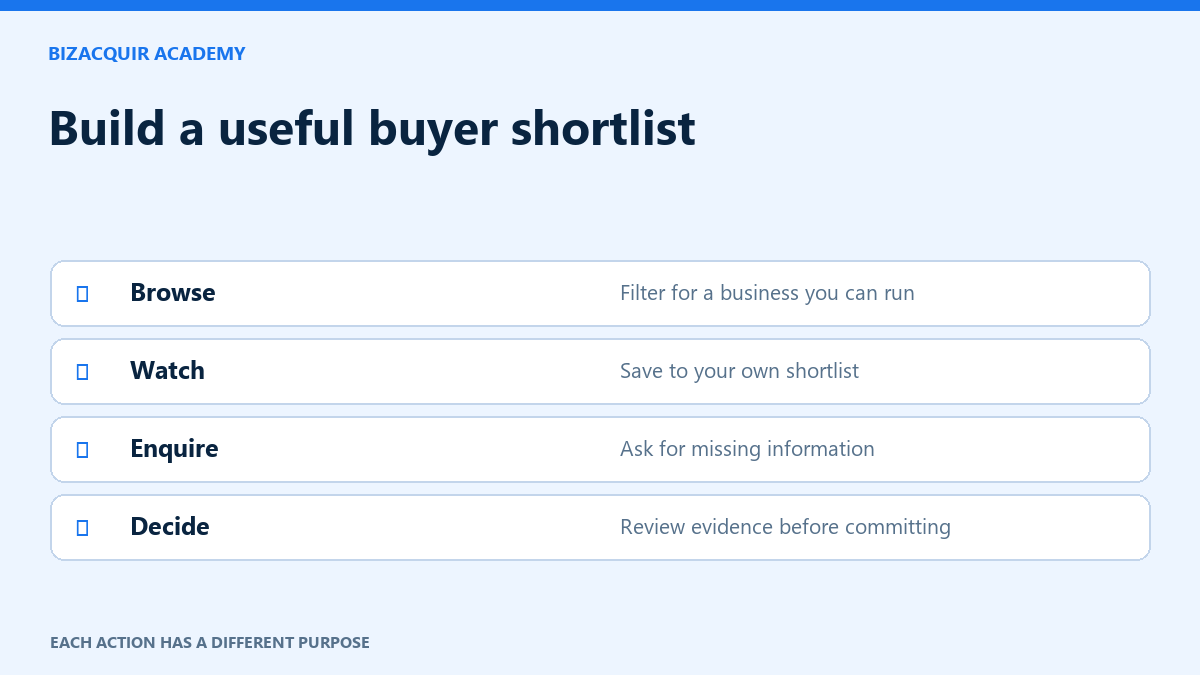
Use Watch to build a shortlist
Select Watch on a card or detail page. If you are signed out, sign in and return to the listing, then continue deliberately. A saved listing is associated with your account and appears in Saved Businesses. Use the same control to unwatch when it is no longer relevant.
Saving is not a reservation, offer or purchase. A listing can become unavailable while it remains in your research history. Check its current status before taking the next step.
Sign in for detailed information and enquiries
Guests see the public preview. Signed-in buyers can view the detailed financial section and the seller panel where available, and use BizAcquir’s existing messaging. Sign-in does not provide unrestricted access to every private supporting document.
Use the listing’s enquiry or Contact Seller action to ask focused questions. A useful first message identifies the business and one or two material questions, such as the period behind a revenue figure or the amount of owner work. Do not request account passwords or unnecessary customer information.
Keep the distinction between an enquiry and a formal offer. Read any minimum amount and validation message on an offer form. Assisted Buy Now starts a separate purchase process; it should not be used merely to ask a question.
Interpret trust labels separately
| Label | What to inspect |
|---|---|
| Identity status | The account holder has completed an accepted identity check. |
| Provider connection | The source, period and last successful sync. |
| BizAcquir Vetted | The actual reviewed areas and review date. |
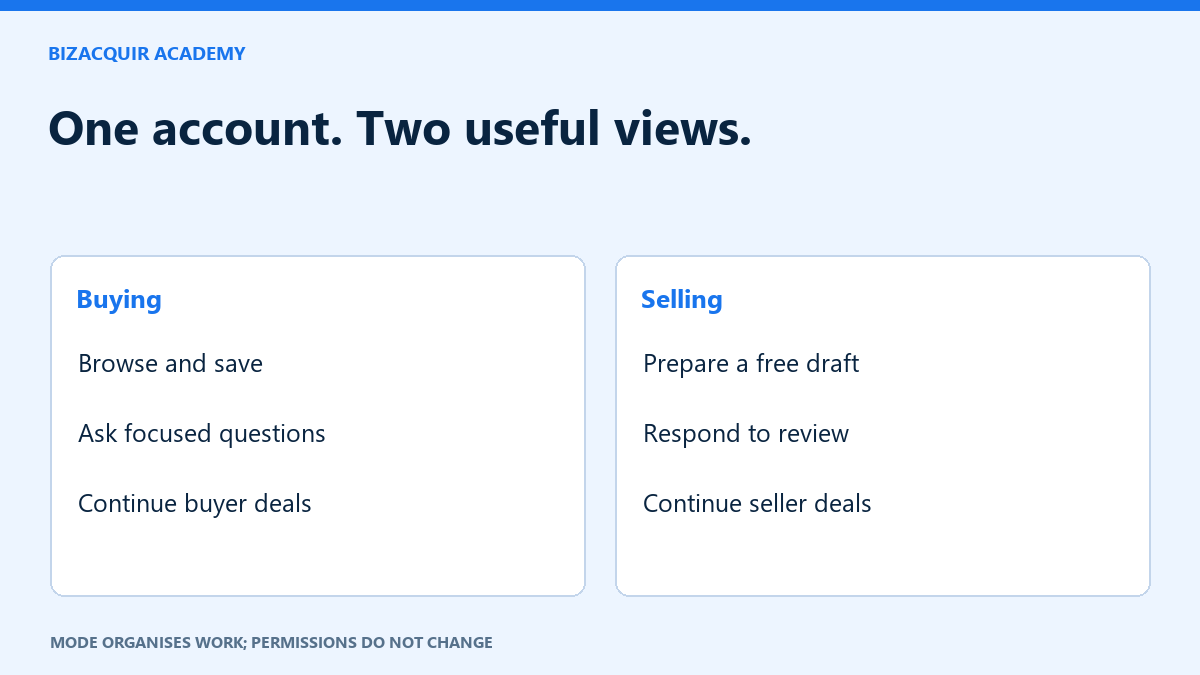
None guarantees future earnings or transferability. Use the available information to prepare your own diligence questions. Your Buying/Selling preference does not change document permissions or make you a participant in another person’s deal.
Make a shortlist you can compare fairly
Start with the platform and operating model you can realistically run. Compare a small set of businesses using the same questions: what is sold, what work you inherit, which financial period is shown and what depends on the departing owner. A low asking price does not resolve a missing cost schedule or an uncertain transfer.
When you change a filter, read the result count and current page. If a narrow combination produces no businesses, clear one condition rather than assuming the search failed. Open the detail page from the card and check its current availability before spending time on an enquiry.
Write a first enquiry the seller can answer
“I am reviewing the business's [named period] figures. Does the stated profit include the weekly moderation work, and how many owner hours are normally required? I would also like to understand which community assets are included.”
Adapt the questions to information missing from that listing. Do not paste the same long request into every conversation. Ask for aggregate explanations first; a customer export or account password is rarely necessary to understand an initial claim.
After signing in from an enquiry or purchase-related action, check that you are back on the intended business. Continue explicitly. Watch does not submit an enquiry; an enquiry does not submit an offer; and the assisted purchase process does not instantly charge your card. Read each confirmation before using a formal action.
When something is unavailable
- A saved business is no longer active: check its current status rather than treating Watch as a reservation.
- Detailed finances are hidden: sign in through the listing prompt; some private documents still require separate permission.
- A formal action requires identity verification: use the offered verification route, then return and confirm the action yourself.
- An offer is below the allowed amount: read the displayed minimum and validation message, including the currency.
Keep your shortlist focused on questions you can resolve. The Academy's buyer diligence guide provides a claims-and-evidence log for the next stage.
Follow a search without watching every listing
Sign in and use the saved-search option to keep a useful set of browse filters. Daily email alerts are optional; turn them off when you no longer want them. Watch saves an individual business, while a saved search helps you discover newly published matches. Neither reserves a business or submits an offer.
Your next step
Sources and useful references
Use a saved search for discovery and an enquiry for a question
A saved search helps you revisit a set of filters and, if you opt in, receive matching new-listing alerts. Watching one business is a different action. Neither action reserves a business or commits you to buy.
Before enquiring, read the period and source beside financial figures and ask one specific question about the offer, assets or history. Keep the discussion on BizAcquir. An enquiry is not a formal offer and ordinary messaging does not require identity verification.