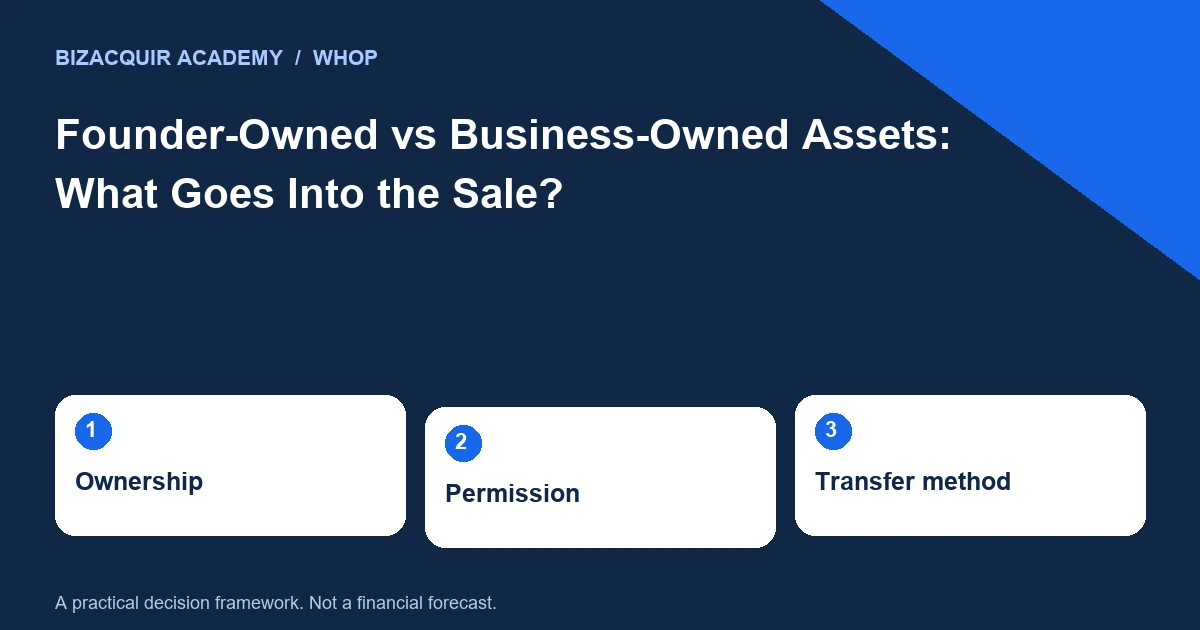
“Everything is included” is rarely a useful description of a digital-business sale. Assets can be owned by the company, personally by the founder, jointly with a contributor or licensed from someone else. Buyers need a specific inventory and a workable transfer route.
Build a four-column ownership map
List each asset, its current owner, the evidence supporting that ownership and the proposed treatment in the sale. Include intangible assets as well as files: brand rights, domains, original content, code, operating procedures and supplier relationships.
| Asset type | Useful evidence | Possible sale treatment |
|---|---|---|
| Business-owned domain | Registrar control and ownership record | Supported transfer |
| Founder’s personal profile | Account terms and permissions | Excluded or separately agreed, if permitted |
| Contractor-created code | Assignment or licence agreement | Confirm rights before inclusion |
| Licensed content | Licence terms | Buyer obtains its own permission if needed |
Do not publish sensitive contracts or personal identifiers in the listing. A public summary can describe the assets; supporting evidence belongs in an appropriately private review.
Separate control from legal ownership
Being able to log in does not necessarily prove a right to sell. A founder may administer a community for a company, or a developer may control a repository containing a client’s work. Conversely, a business may own material stored in a founder’s personal cloud account and need to organize a proper transfer. Whop team roles define access to platform functions. They do not settle every underlying intellectual-property or contractual question. Use platform permissions for access and appropriate agreements for the assets themselves.
Find the shared dependencies
Mark assets used by another business: a shared domain, advertising account, code library, contractor or mailing list. Determine whether separation is technically possible and contractually allowed. Include migration effort and any continuing licence arrangement in the negotiation. Hypothetical example: a seller includes a bot but uses the same private library in two other products. The buyer may need an agreed licence, a separated codebase or an explicit exclusion. Calling the entire repository “exclusive” would conflict with the seller’s ongoing use.
Make exclusions easy to understand
State what does not transfer and explain the operational effect. Excluding a personal social profile may remove the main acquisition channel. Excluding a dataset may make a feature unusable. A clear exclusion includes the replacement task, not just a name in small print. Do not assume customer information is freely transferable because a business is being sold. Consider the applicable privacy commitments, purpose and permissions, and seek advice where necessary. Initial buyer materials should use aggregates and minimized examples.
Turn the map into a handover checklist
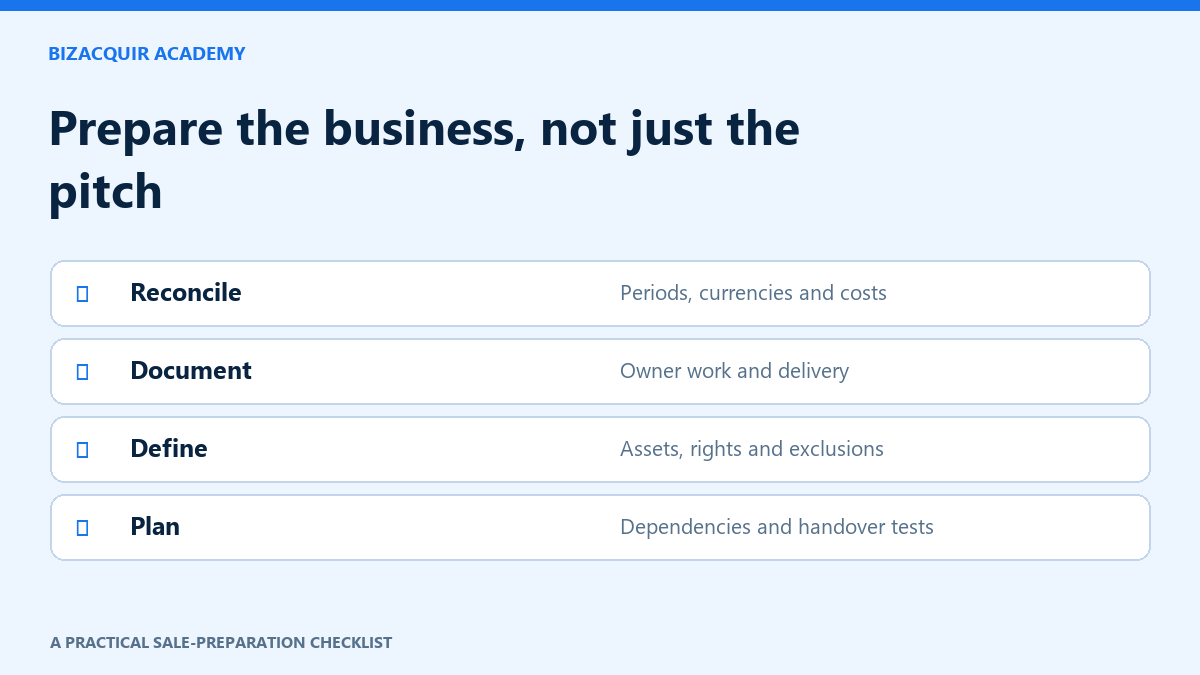
For each included asset, record the supported transfer method, responsible party, prerequisite and completion evidence. Include introductions and permissions that need third-party action. Do not mark them complete merely because a request was sent. Use this inventory before setting the final sale scope on BizAcquir. It gives buyers a concrete basis for questions and helps both parties distinguish an agreed full business sale from a loose collection of account access and unconfirmed promises.
Check the relevant provider guidance
These official references support the platform-specific steps. Your own contracts, account configuration and agreed sale terms still need to be checked.
Check the effect of an exclusion
For every excluded item, answer “Can the buyer still operate the promised business?” Excluding a personal profile may be workable; excluding the only domain, code dependency or licence needed to deliver the product may not be. State the replacement route and any permission still needed.
Use the same ownership map in the listing scope, private asset schedule and handover checklist. If a later discovery changes what can transfer, update the proposed terms rather than leaving inconsistent versions in circulation.
Your next practical step
Use the WHOP selling checklist to turn the gaps into a preparation plan. You can start a private listing draft or explore a free valuation; signup or login is required to view valuation results.
Continue with What to Include in a Whop Business Sale and Selling a Whop Software or Bot Business: Code, Hosting and Licences.